

Jump to content
View in the app

A better way to browse. Learn more.

Afterlife

A full-screen app on your home screen with push notifications, badges and more.

To install this app on iOS and iPadOS
  1. Tap the Share icon in Safari
  2. Scroll the menu and tap Add to Home Screen.
  3. Tap Add in the top-right corner.
To install this app on Android
  1. Tap the 3-dot menu (⋮) in the top-right corner of the browser.
  2. Tap Add to Home screen or Install app.
  3. Confirm by tapping Install.
  • Entries

    2
  • Comments

    0
  • Views

    366

Entries in this blog

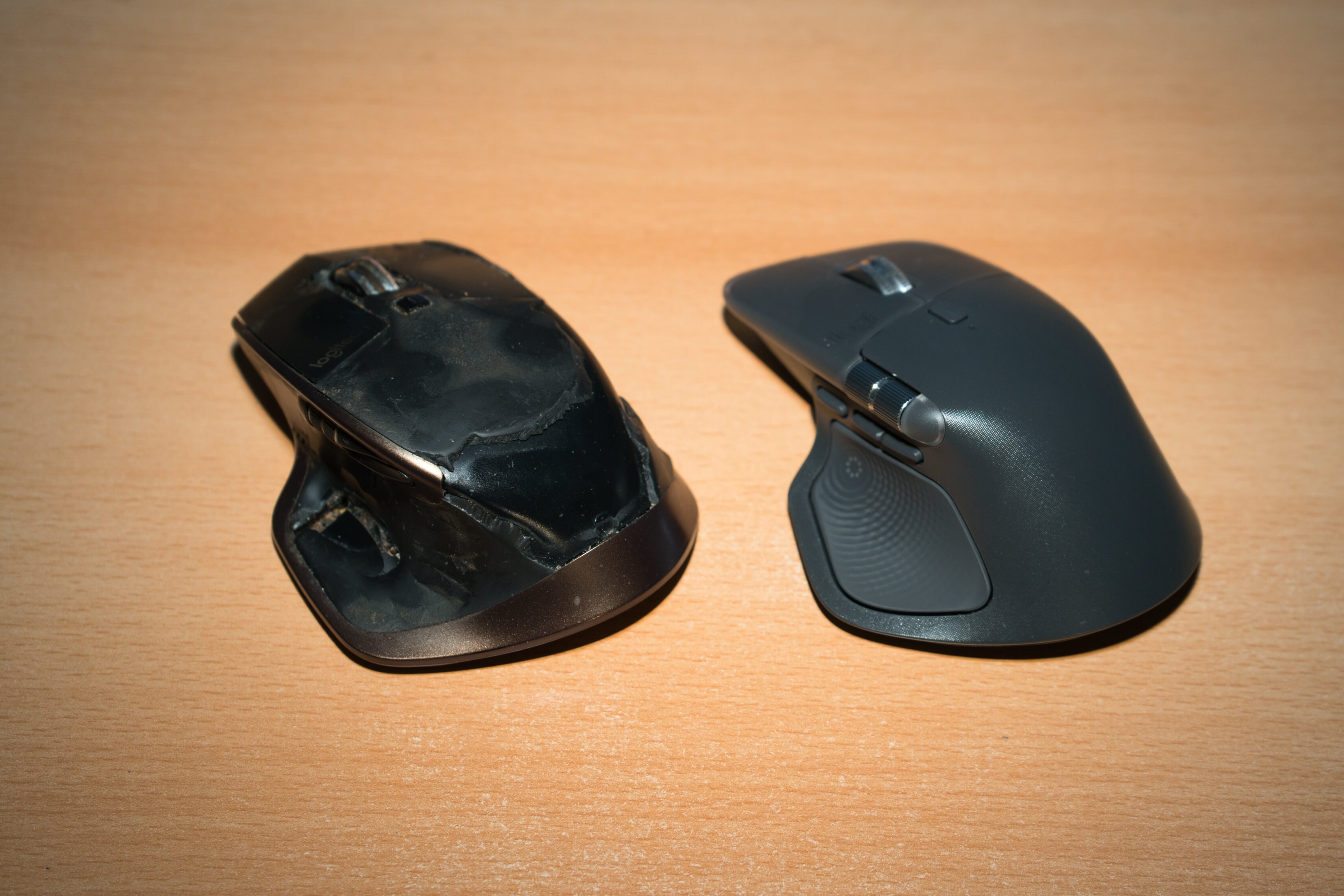
Da ich mir neulich aus Gründen eine neue Tastatur zugelegt hatte, dachte ich mir ich könnte mir auch mal eine neue Maus gönnen, dann hätte man beides auf dem aktuellen Stand der Technik. Ausserdem hatte die alte MX Master (Bj. 2015 oder so) schon leichte Gebrauchsspuren, siehe Bild. Und ja, ein klein bisschen was hat sich beim neuen Modell auch geändert. Das Positive zuerst, wie die Tasta verfügt nun auch die Maus über das gleiche "Waffenrad", nur macht sowas bei einer Maus auch Sinn. Dann wären

Afterlife.to, Est. MMXXVI Powered by Invision Community

Important Information

This site uses cookies and stuff. You must be logged in to view explicit content.

Account

Navigation

Search

Configure browser push notifications

Chrome (Android)
  1. Tap the lock icon next to the address bar.
  2. Tap Permissions → Notifications.
  3. Adjust your preference.
Chrome (Desktop)
  1. Click the padlock icon in the address bar.
  2. Select Site settings.
  3. Find Notifications and adjust your preference.