Jump to content
View in the app

A better way to browse. Learn more.

Afterlife

A full-screen app on your home screen with push notifications, badges and more.

To install this app on iOS and iPadOS
  1. Tap the Share icon in Safari
  2. Scroll the menu and tap Add to Home Screen.
  3. Tap Add in the top-right corner.
To install this app on Android
  1. Tap the 3-dot menu (⋮) in the top-right corner of the browser.
  2. Tap Add to Home screen or Install app.
  3. Confirm by tapping Install.

Nightmare on Elm Street

8 movies in this category

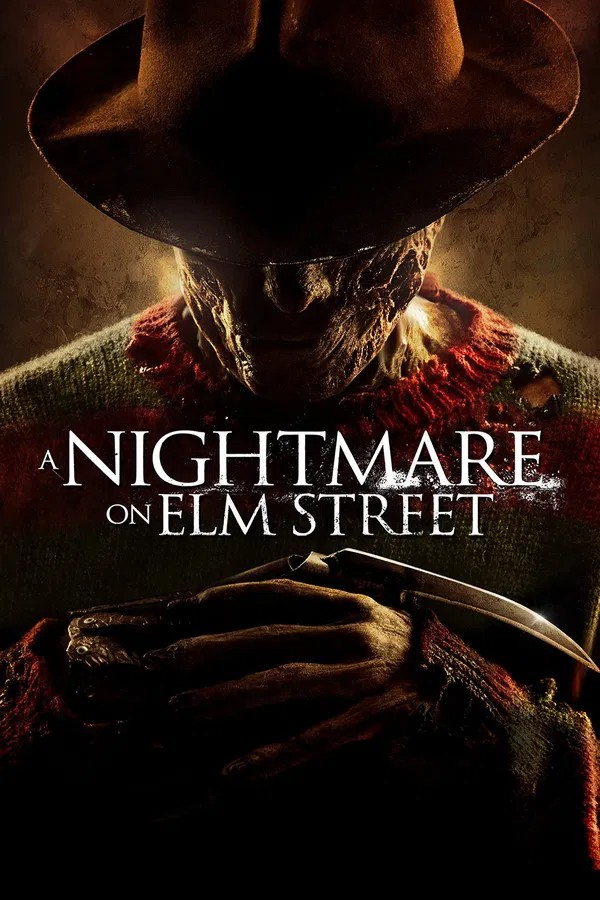
  1. Welcome to your new nightmare.
    USA 2010, 95 Min.
    • 0 comments
    • 41 views
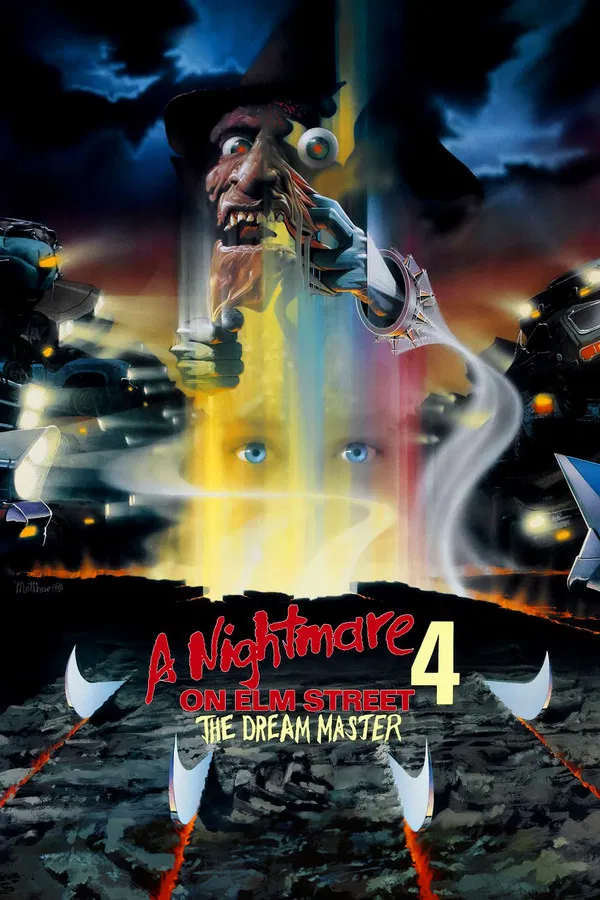
  2. Terror beyond your wildest dreams.
    USA 1988, 93 Min.
    • 0 comments
    • 35 views
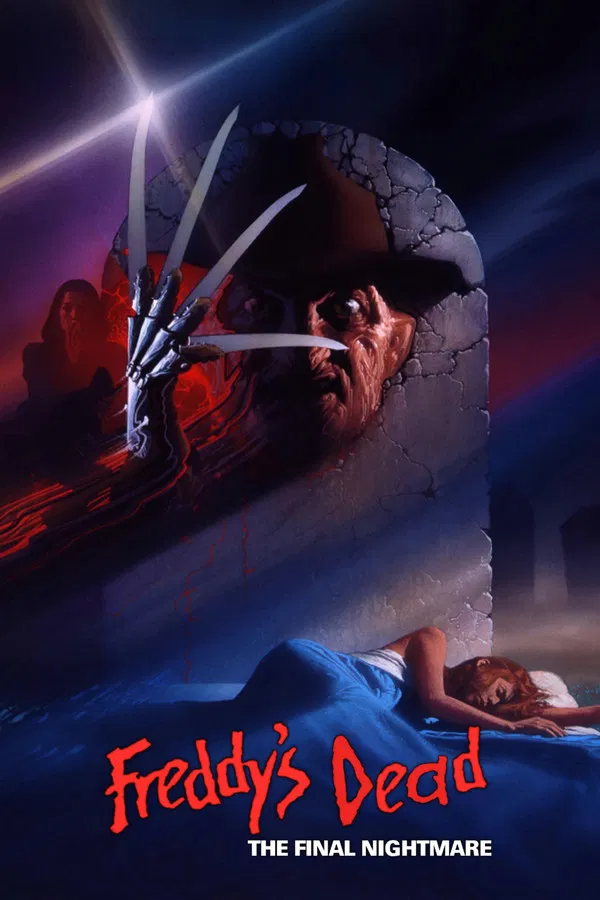
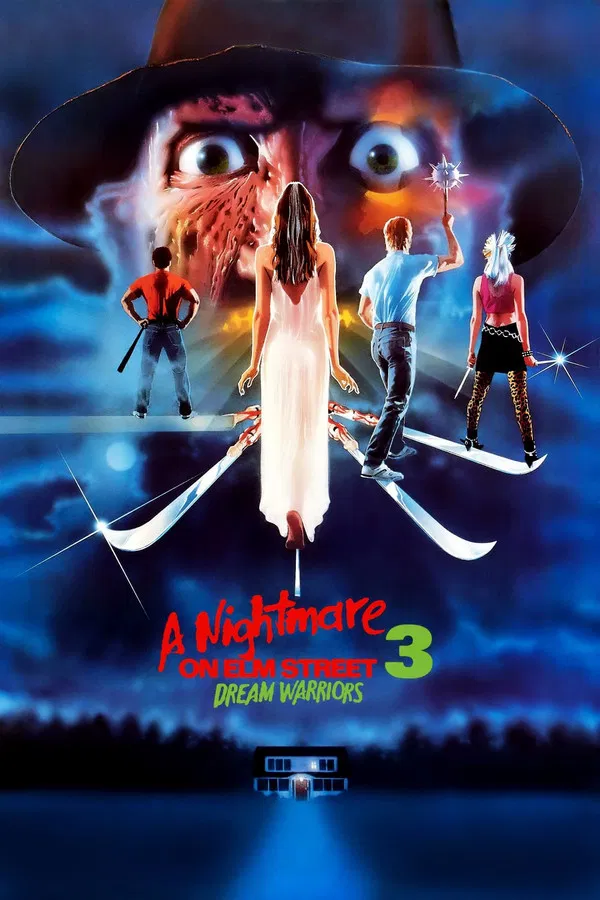
  3. They saved the best for last.
    USA 1991, 89 Min.
    • 0 comments
    • 35 views
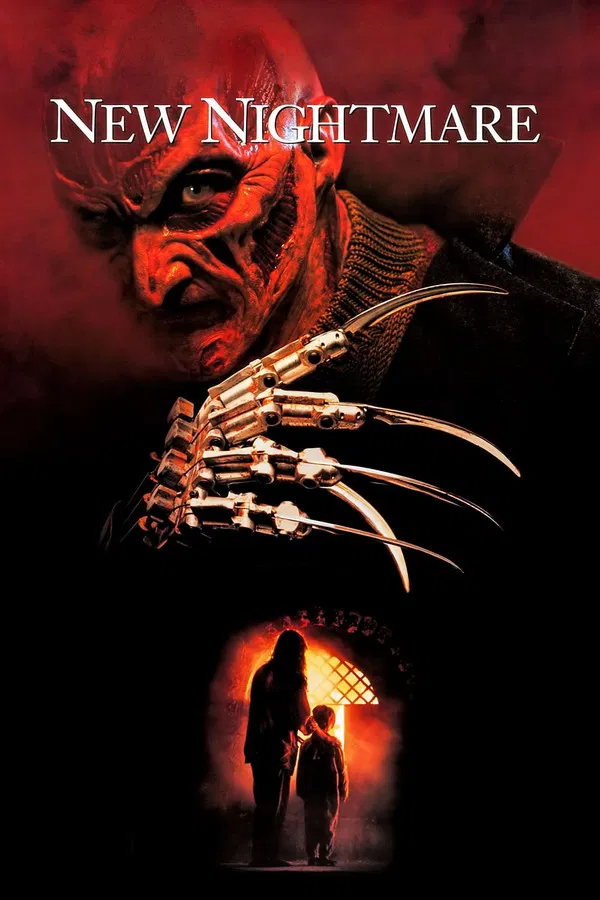
  4. This time the terror doesn't stop at the screen.
    USA 1994, 112 Min.
    • 0 comments
    • 35 views
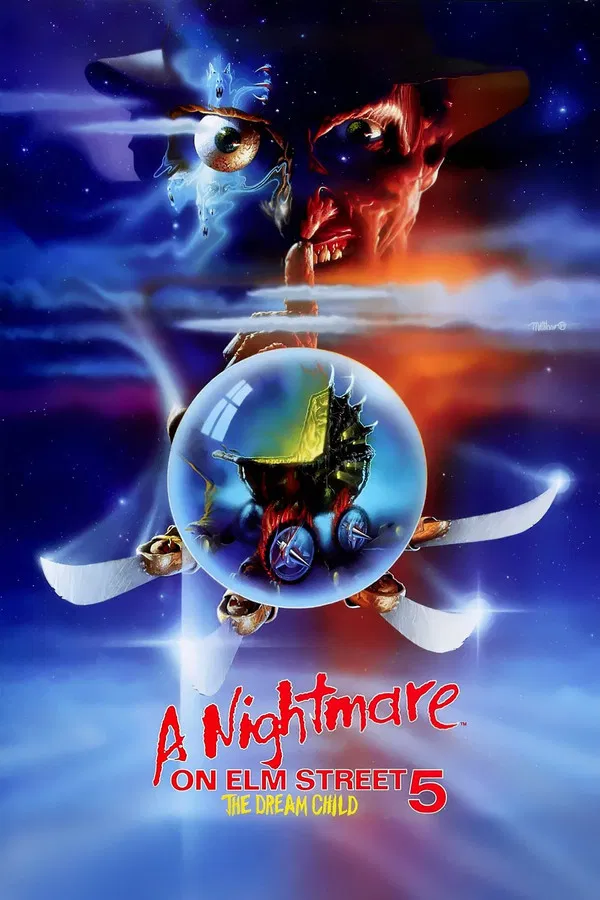
  5. If you think you'll get out alive, you must be dreaming.
    USA 1987, 96 Min.
    • 0 comments
    • 30 views
  6. USA 1989, 89 Min.
    • 0 comments
    • 30 views
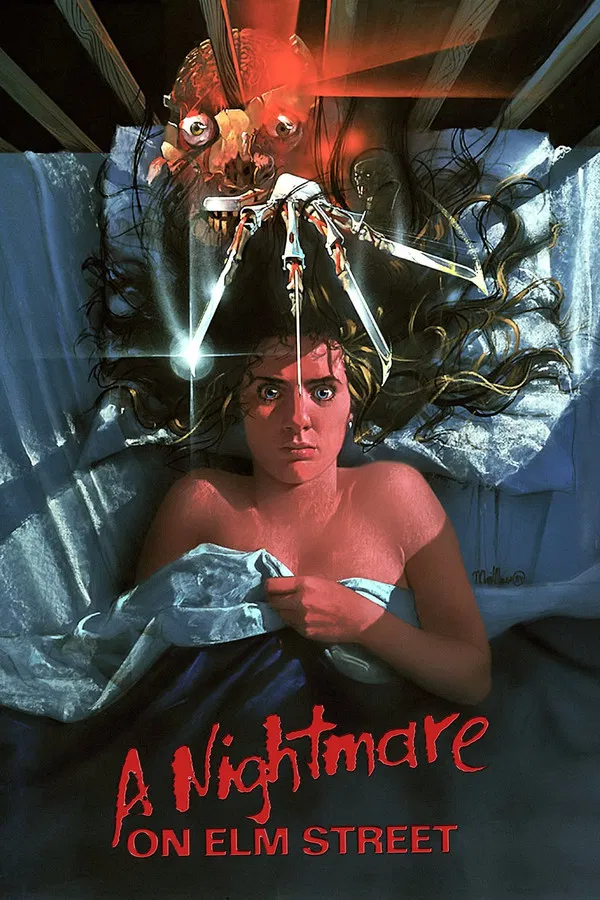
  7. If Nancy doesn't wake up screaming, she won't wake up at all.
    USA 1984, 91 Min.
    • 0 comments
    • 29 views
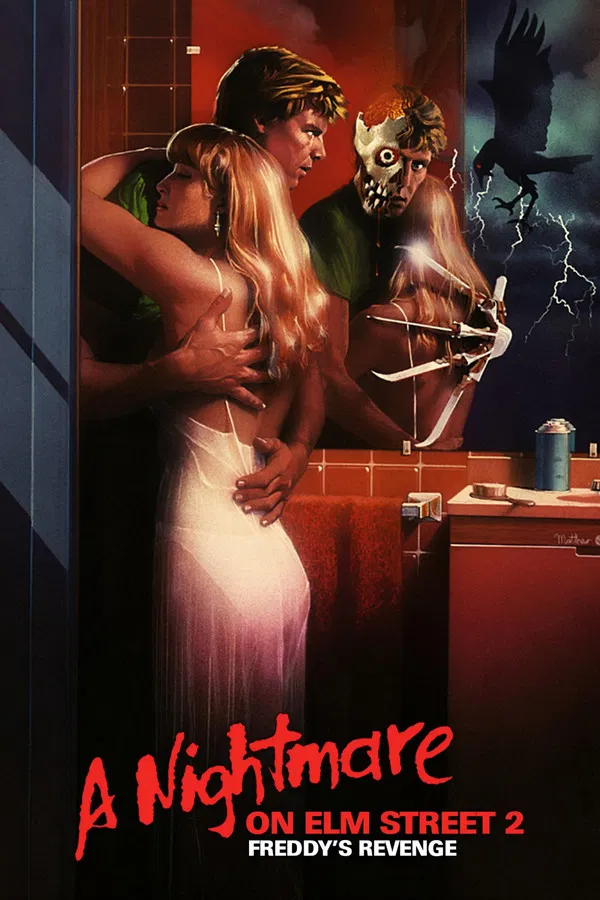
  8. USA 1985, 87 Min.
    • 0 comments
    • 29 views

Afterlife.to, Est. MMXXVI Powered by Invision Community

Important Information

This site uses cookies and stuff. You must be logged in to view explicit content.

Account

Navigation

Search

Configure browser push notifications

Chrome (Android)
  1. Tap the lock icon next to the address bar.
  2. Tap Permissions → Notifications.
  3. Adjust your preference.
Chrome (Desktop)
  1. Click the padlock icon in the address bar.
  2. Select Site settings.
  3. Find Notifications and adjust your preference.