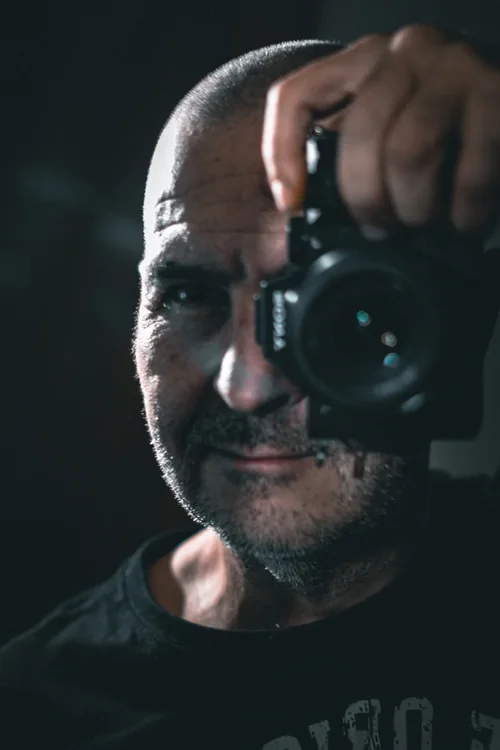
ABOUT ME
I’m not formally trained as a photographer – and that’s an advantage. I work without cliché, without inflated language, and without artifice.
What matters here is a clear image, an honest approach, and a visual language that doesn’t pretend to be more than it is.
My professional background lies in web development – working with images, composition, and visual impact long before I picked up a camera. That experience sharpened my eye and shaped how I see pictures before I ever made one.
When I finally began creating my own images, it wasn’t some romantic “call to art.” It was a pragmatic decision: to make pictures that express exactly what I see – direct, reduced, intentional.
PHOTOGRAPHY
I photograph people. Full stop. Presence, expression, and the moment where both converge are at the heart of the work. Everything else serves the image, not the other way around.
My process is clear: focused, intentional, without unnecessary friction. In editing, each image gets exactly what it needs – no more, no less.
I’m not the photographer who’s been doing the same thing for twenty years. I’m newer to the craft – and that’s a strength.
The result is a contemporary visual language: images of people that don’t pretend to be someone else, but show them in their strongest version.
HEADSHOT