

Jump to content
View in the app

A better way to browse. Learn more.

Afterlife

A full-screen app on your home screen with push notifications, badges and more.

To install this app on iOS and iPadOS
  1. Tap the Share icon in Safari
  2. Scroll the menu and tap Add to Home Screen.
  3. Tap Add in the top-right corner.
To install this app on Android
  1. Tap the 3-dot menu (⋮) in the top-right corner of the browser.
  2. Tap Add to Home screen or Install app.
  3. Confirm by tapping Install.

I work on selected photographic projects. Each collaboration is based on trust, clarity, and artistic intent. Shoots are planned, directed, and executed with purpose. This is not content production for trends or social media.
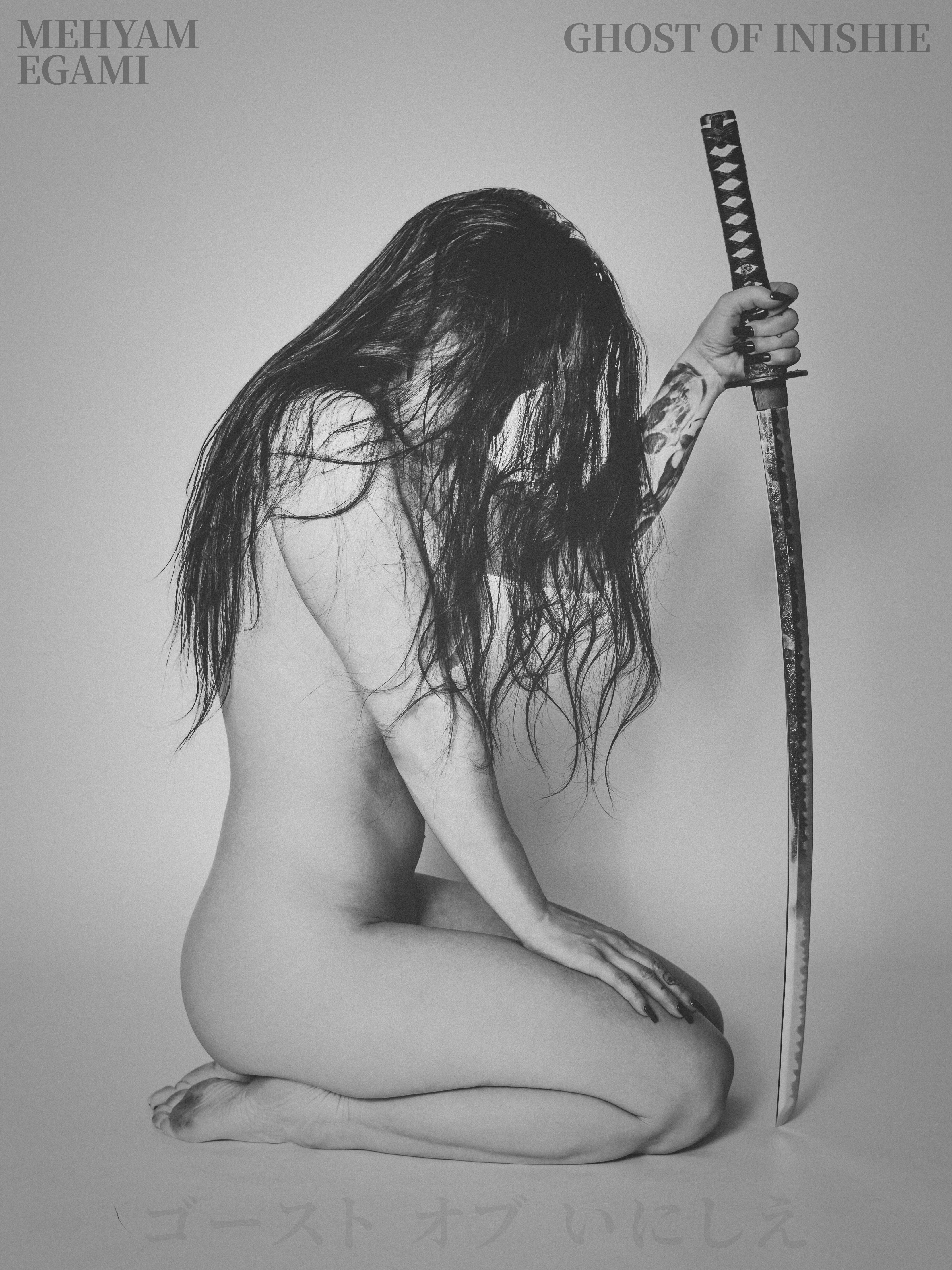
I work with models who are comfortable with strong visual direction. If this aligns with how you work, contact me via Instagram or WhatsApp. Please include a link to a proper sedcard (e.g. AdultFolio or Model-Kartei) with clearly stated work levels. Messages without this information will not be considered.


Afterlife.to, Est. MMXXVI Powered by Invision Community

Important Information

This site uses cookies and stuff. You must be logged in to view explicit content.

Account

Navigation

Search

Configure browser push notifications

Chrome (Android)
  1. Tap the lock icon next to the address bar.
  2. Tap Permissions → Notifications.
  3. Adjust your preference.
Chrome (Desktop)
  1. Click the padlock icon in the address bar.
  2. Select Site settings.
  3. Find Notifications and adjust your preference.