


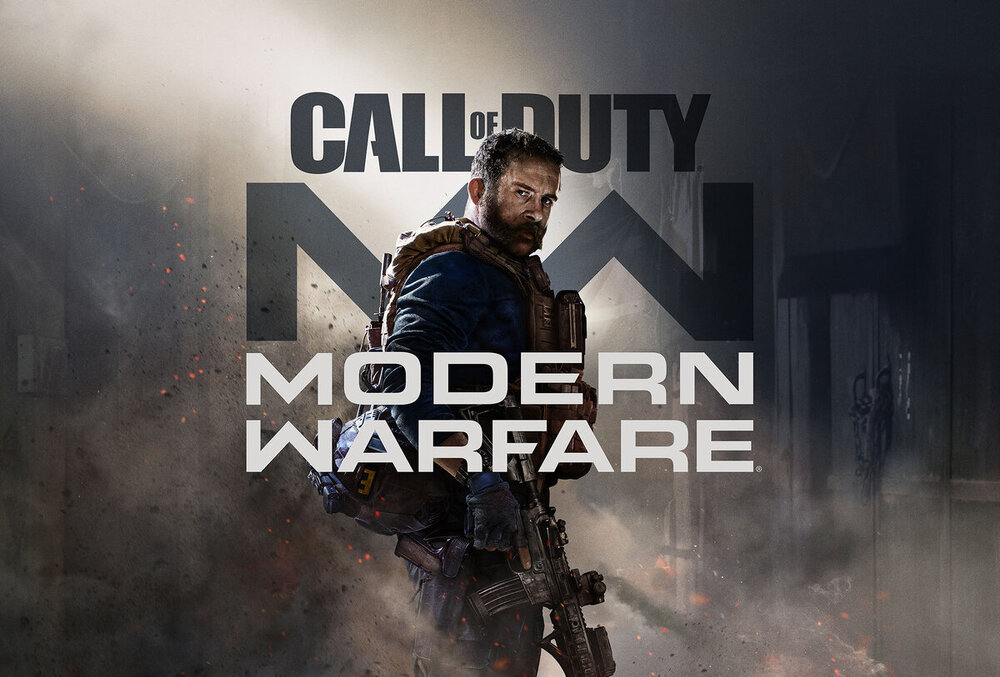
Wie der Titel schon sagt ist das 2019er Modern Warfare das letzte CoD das ich aktiv und im Clan gespielt habe. Noch nie habe ich ein Spiel gleichzeitig so dermassen geliebt und gehasst. Ich beziehe mich hier ausschliesslich auf den Multiplayer, die Story war wie üblich an einem Wochenende durchgespielt und nichts besonderes.
Mit diesem Game hatte sich zu den Vorgängern einiges geändert. Positiv anzumerken wären neben der für damals ausgezeichneten Grafik der Gunsmith und die Maps. Shoot House, Rust, Shipment zum Leveln und andere deren Namen ich vergessen oder verdrängt habe.
Dazu kam dummerweise auch das die Entwickler mit diesem Release zugunsten von Casual-Playern den Speed aus dem Game genommen haben. So gab es jede Menge Winkel und Spots zum Campen, pardon "taktischen Ausharren". Als Krönung hat das SBMM reingeknallt wie nie zuvor.
Leider ist ATIV diesen Weg mit den Nachfolgern konsequent weitergegangen, so war ich nach der Cold War Beta endgültig raus.
Recommended Comments
Join the conversation
You can post now and register later. If you have an account, sign in now to post with your account.