

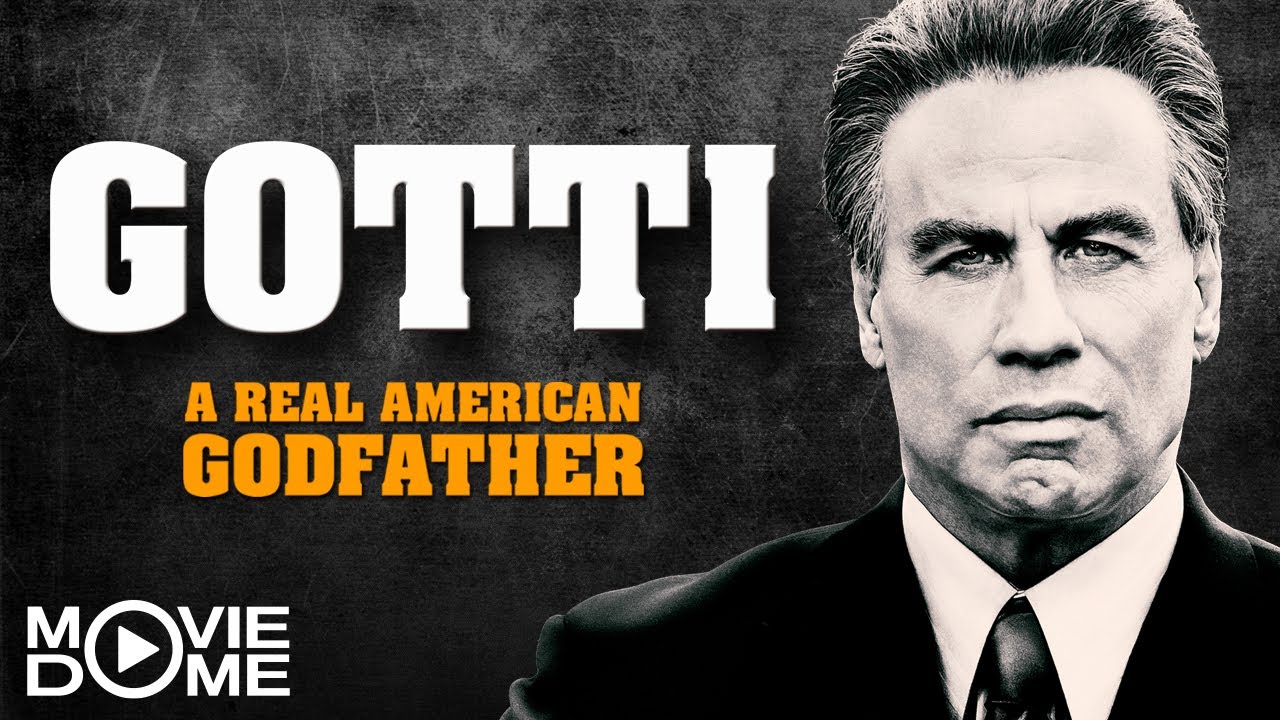

Die Lebensbeichte eines Paten: Der zu fünfmal lebenslänglich verurteilte und an Krebs leidende Mafiaboss John Joseph Gotti (John Travolta) erzählt von seinem Werdegang zum Mafiaboss:
Es fing bereits im Jahre 1973 an, als John Joseph durch den Auftragsmord an Carlo Gambino (Michael Cipiti) zum Vollmitglied der Cosa Nostra ernannt wurde. Nach dem tragischen Tod seines Sohnes Frank (Connor Cadek), zieht die Familie für einige Zeit von New York nach Florida.
Im Jahr 1986 wird Paul Castellano (Donald John Volpenhein), das Clanoberhaupt der Costa Nostra, auf offener Straße erschossen. Das ebnet John Joseph den Weg, neues Führungsmitglied des Clans zu werden. In dieser Zeit scheint Gotti unantastbar zu sein, da etliche Versuche der Strafverfolgung ihn einzusperren, gescheitert sind. Privat hält ihm seine Ehefrau Victoria (Kelly Preston) den Rücken frei, so dass er sich vollkommen auf seine Geschäfte konzentrieren kann.
John Angelo (Spencer Lofranco) tut es seinem Vater gleich und steigt ebenfalls in der Gambino-Familie als Vollmitglied ein. Einige Jahre später steht John Angelo unter Anklage und fasst einen verhängnisvollen Entschluss.























































































































































Recommended Comments