Skip to content
View in the app

A better way to browse. Learn more.

Afterlife

A full-screen app on your home screen with push notifications, badges and more.

To install this app on iOS and iPadOS
  1. Tap the Share icon in Safari
  2. Scroll the menu and tap Add to Home Screen.
  3. Tap Add in the top-right corner.
To install this app on Android
  1. Tap the 3-dot menu (⋮) in the top-right corner of the browser.
  2. Tap Add to Home screen or Install app.
  3. Confirm by tapping Install.
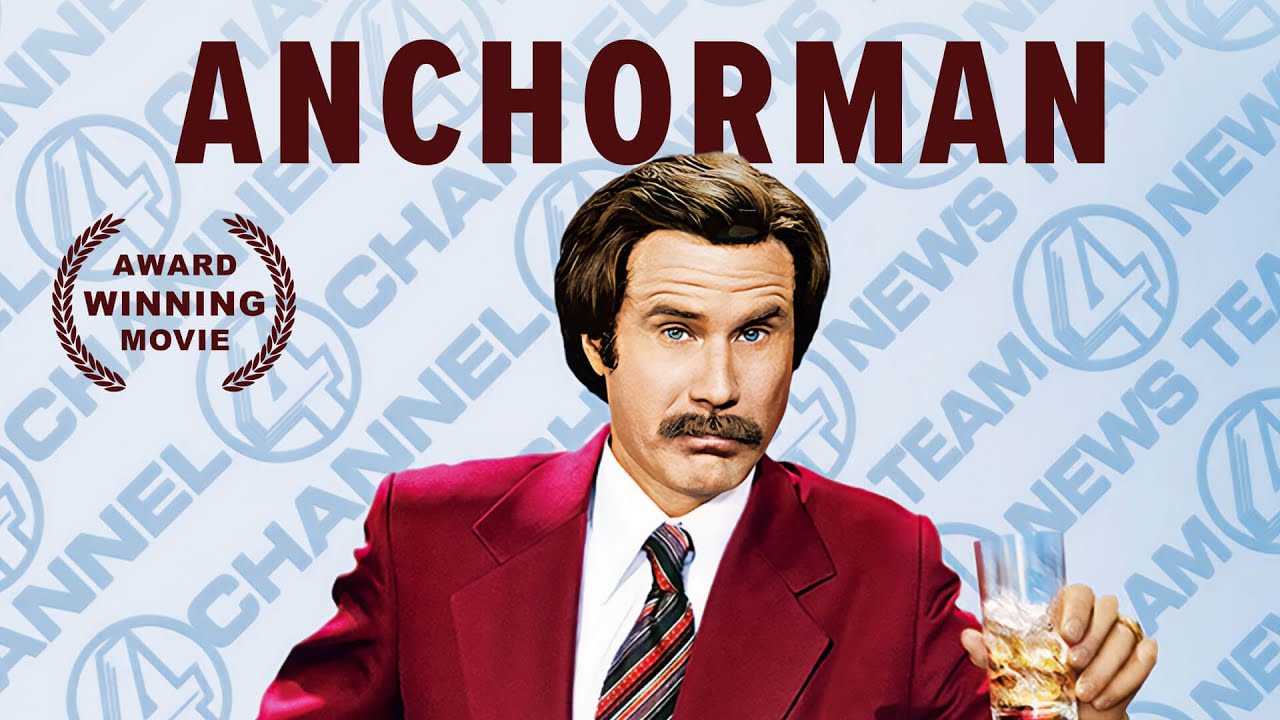
  1. Ron Burgundy ist Nachrichten-Anchorman eines Lokalsenders in San Diego in den 70er-Jahren. Er hat nichts gegen Frauen in der Nachrichtenredaktion – solange sie sich auf „Frauenthemen“ wie Mode und Kochrezepte beschränken. Folglich ist Ron gar nicht begeistert, als sich die ambitionierte neue Kollegin als ebenso talentiert wie hübsch herausstellt. So gerät der Wettbewerb um den bestfrisierten Nachrichtensprecher schnell außer Kontrolle und ein Krieg der Geschlechter tobt!
    V0RT3X ·
    Comedy
    • 0 comments
    • 69 views
  2. In einer amerikanischen Kleinstadt betreiben Ende der 50er Jahre zwei italienische Brüder ein Lokal, das kurz vor dem Bankrott steht. Ein kulinarisches Festbankett, zu dem Freunde, Bekannte und viele Gäste geladen sind und zu dem auch ein berühmter Jazzmusiker erwartet wird, soll das drohende Ende abwenden.
    V0RT3X ·
    Other
    • 0 comments
    • 63 views

Afterlife.to, Est. MMXXVI Powered by Invision Community

Important Information

This site uses cookies and stuff. You must be logged in to view explicit content.

Account

Navigation

Search

Search

Configure browser push notifications

Chrome (Android)
  1. Tap the lock icon next to the address bar.
  2. Tap Permissions → Notifications.
  3. Adjust your preference.
Chrome (Desktop)
  1. Click the padlock icon in the address bar.
  2. Select Site settings.
  3. Find Notifications and adjust your preference.