



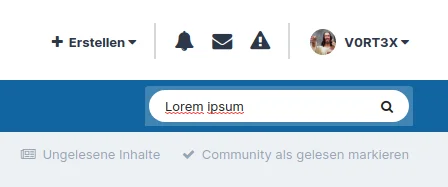
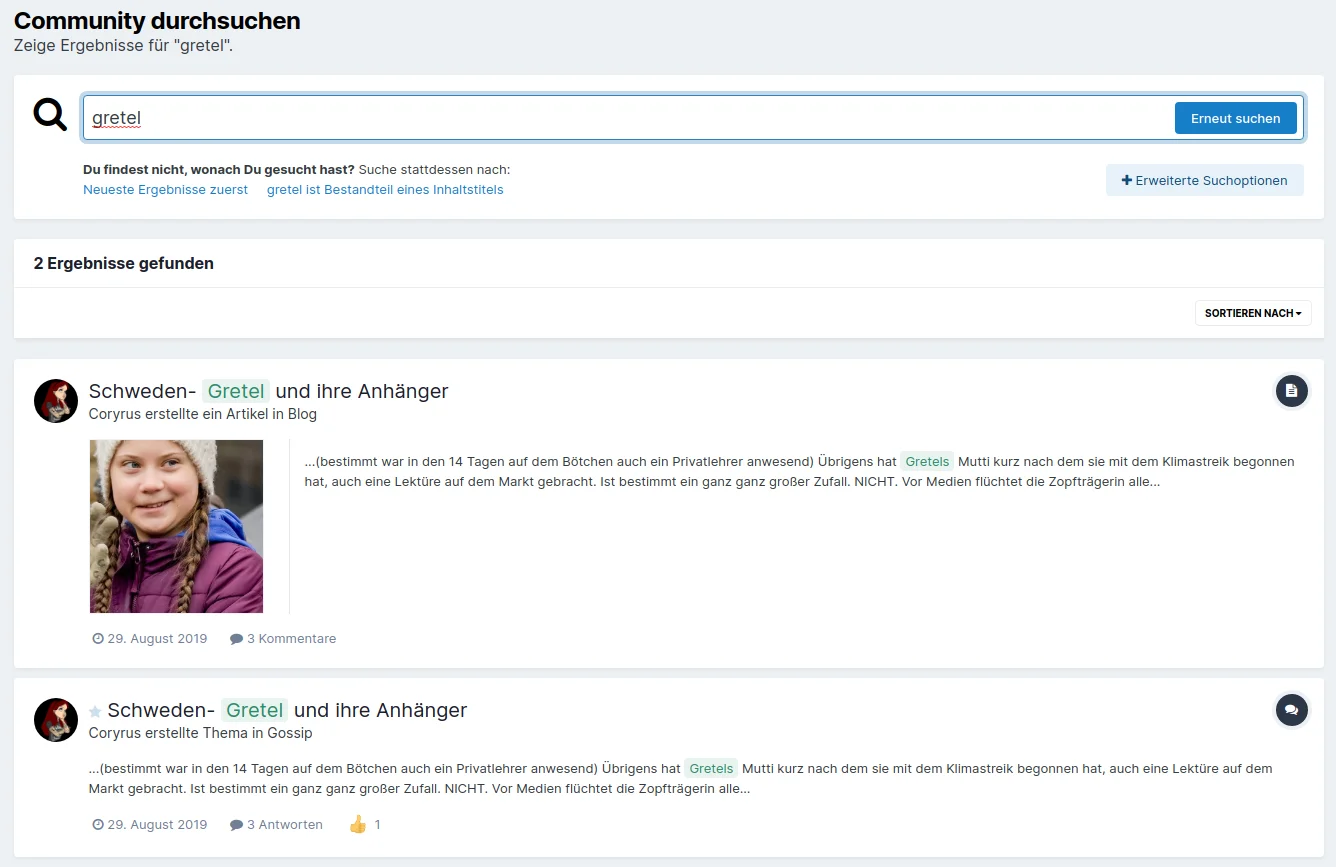
Dieses Plugin verändert die Schnellsuche folgendermassen ...
Erstens wird das Dropdown entfernt. In den meisten Fällen benutzt das sowieso niemand, sondern man tippt auf Enter und verwendet wenn man nicht fündig wird die erweiterte Suche.
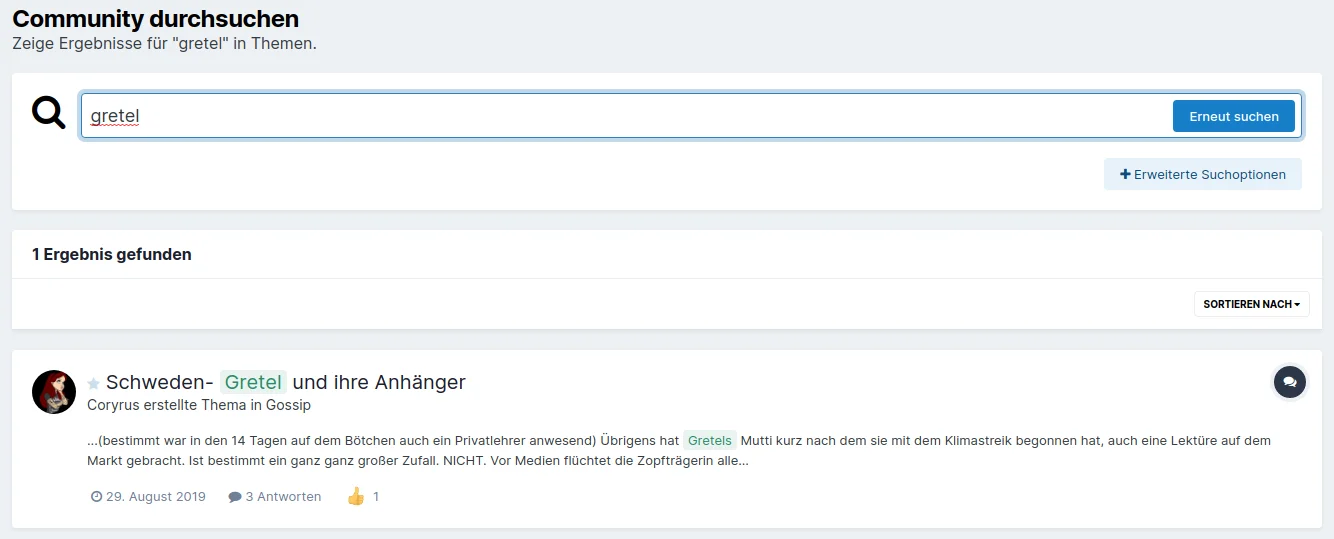
Der springende Punkt ist jedoch, dass nur der Bereich durchsucht wird, in dem ihr euch gerade aufhaltet ;)
Befindet ihr euch im Forum, wird nur das Forum durchsucht. Seid ihr in der Gallery... ihr wisst schon. Benutzt ihr gerade eine der nicht aufgelisteten Anwendungen, wird wie gehabt global gesucht. Unterstützt werden momentan folgende Applications:
Forum
Gallery
Downloads
Commerce
Calendar
Blog
Wobei ich dazu sagen muss, dass ich Blog und Commerce nicht testen konnte, da ich diese Apps nicht besitze. Sollten aber theoretisch auch funktionieren :grinning-squinting-face:
Weitere Anwendungen werden (eventuell) folgen, bin da für Vorschläge offen. Settings gibt es momentan keine (wozu auch).
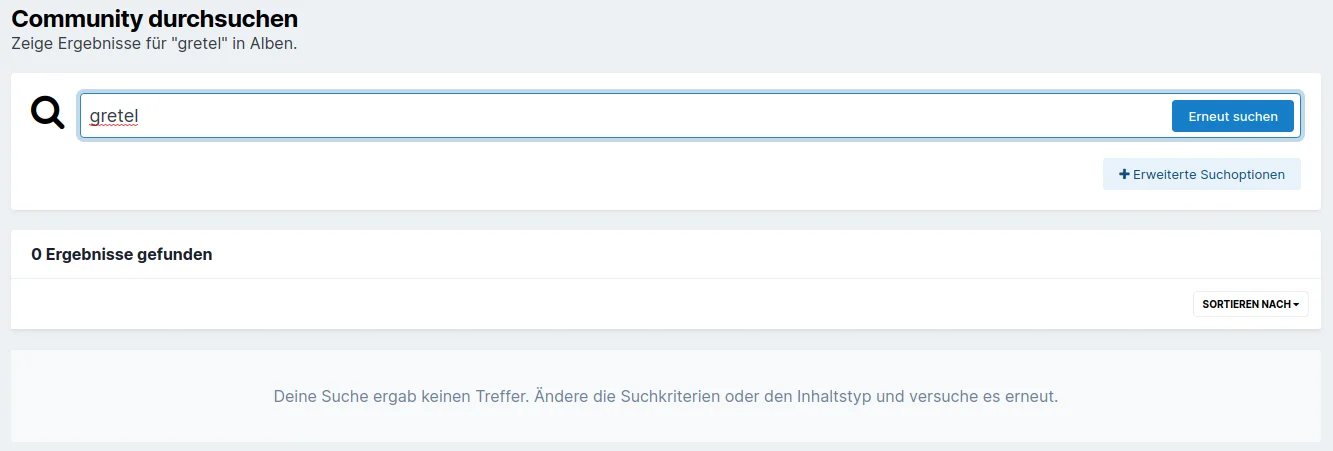
Und 3. wird in der Galerie bewusst nur nach Alben gesucht, nicht nach einzelnen Bildern. Könnte jedes mal wahnsinnig werden, wenn ich einen Namen eingebe und dann jedes einzelne Pic aufgelistet bekomme. Für einzelne Bilder gibt es dann immer noch die erweiterte Suche.
Abschliessende Anmerkung:
Über Sinn und Unsinn bzw. Vor- und Nachteile dieses Plugins lässt sich bestimmt streiten, ich jedenfalls brauchte gerade GANZ GENAU SO eine Modifikation.
Und hier ist sie halt, vielleicht gefällt sie euch ja, viel Spass damit.
You may only provide a review once you have downloaded the file.
There are no reviews to display.