


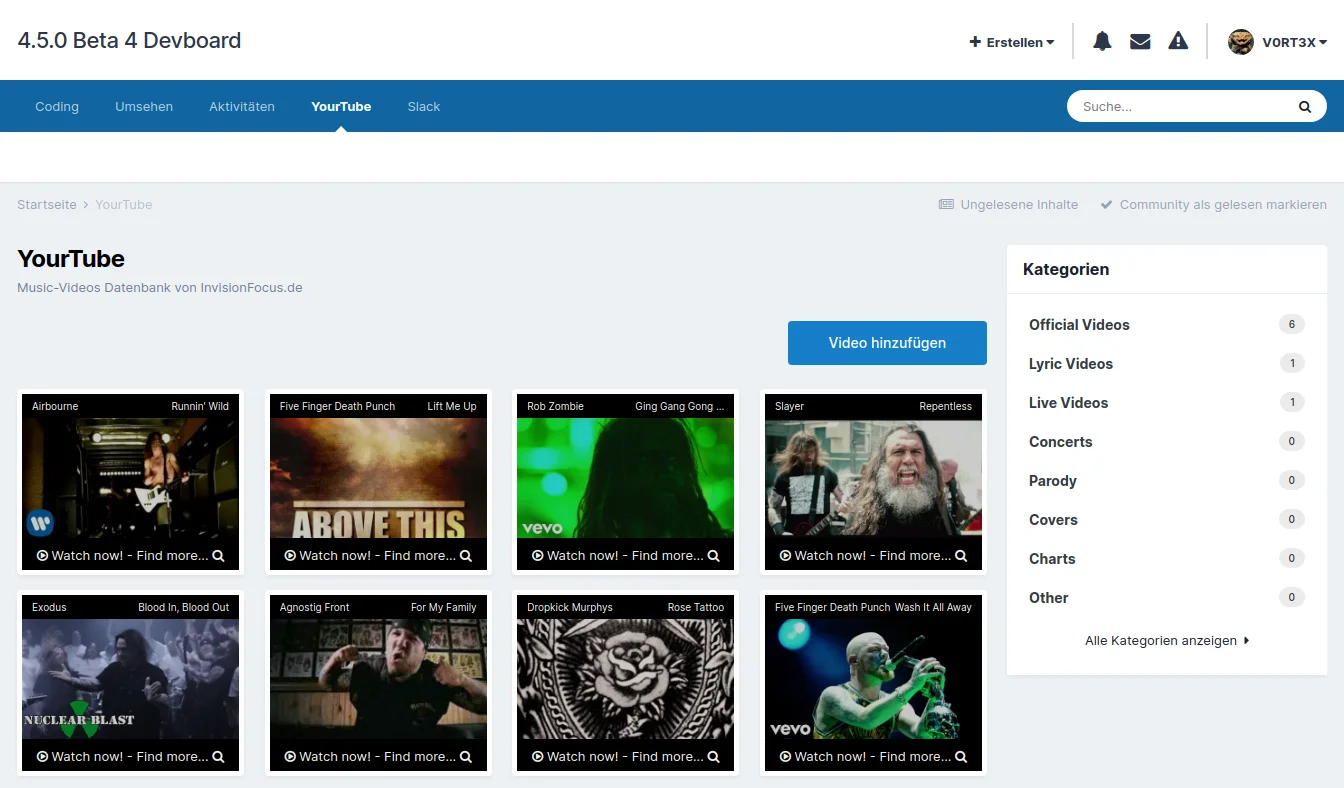

This is a database for YouTube videos that is specifically designed for music.
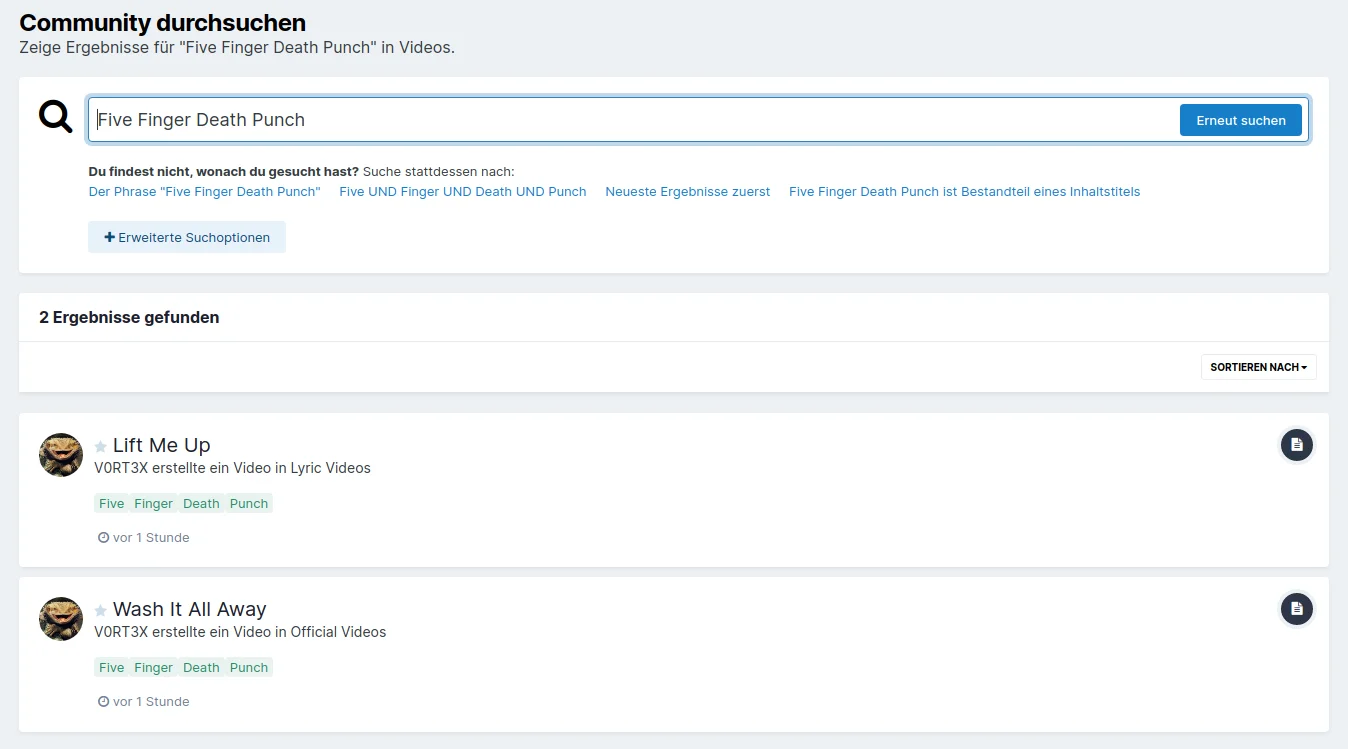
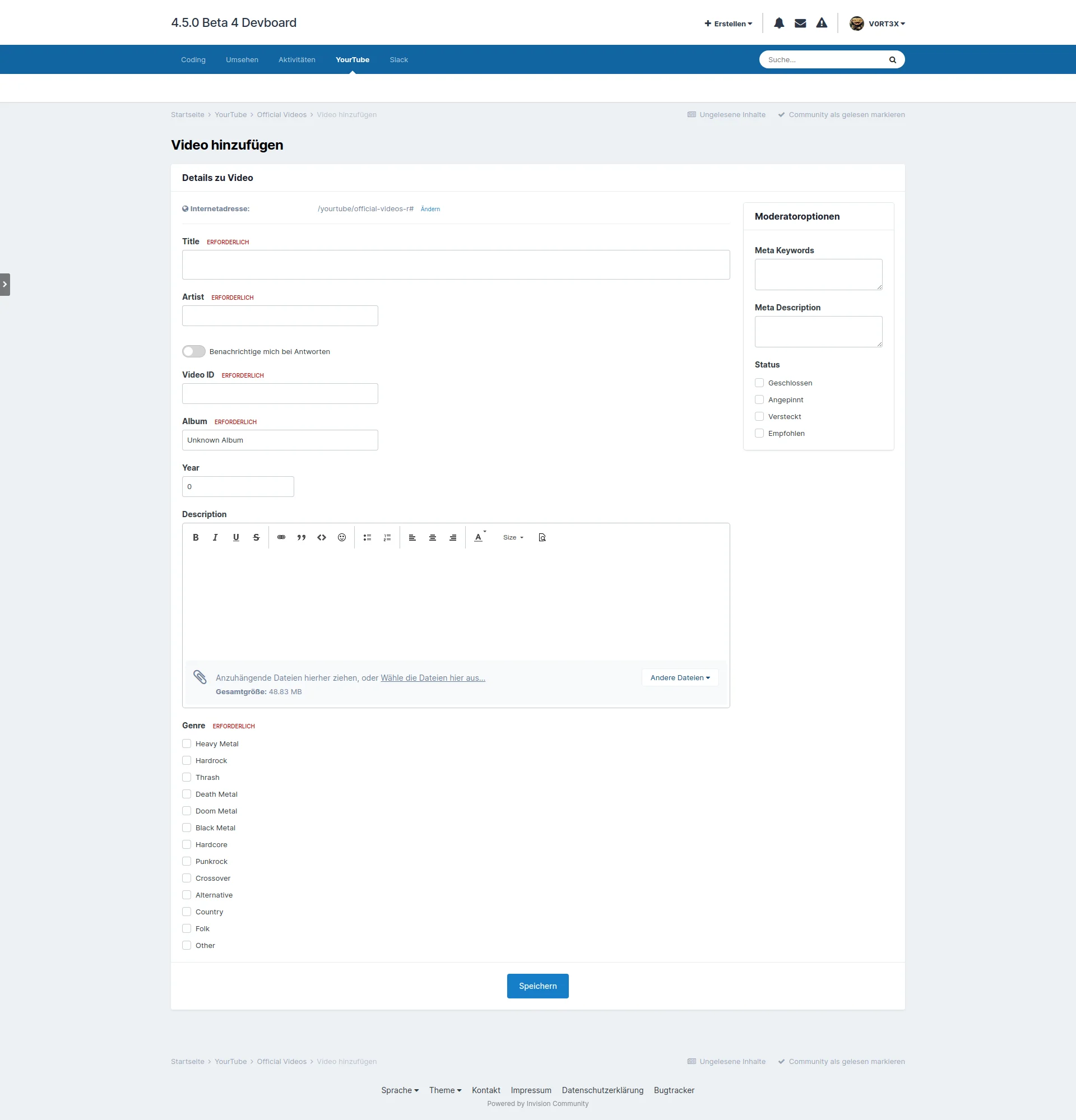
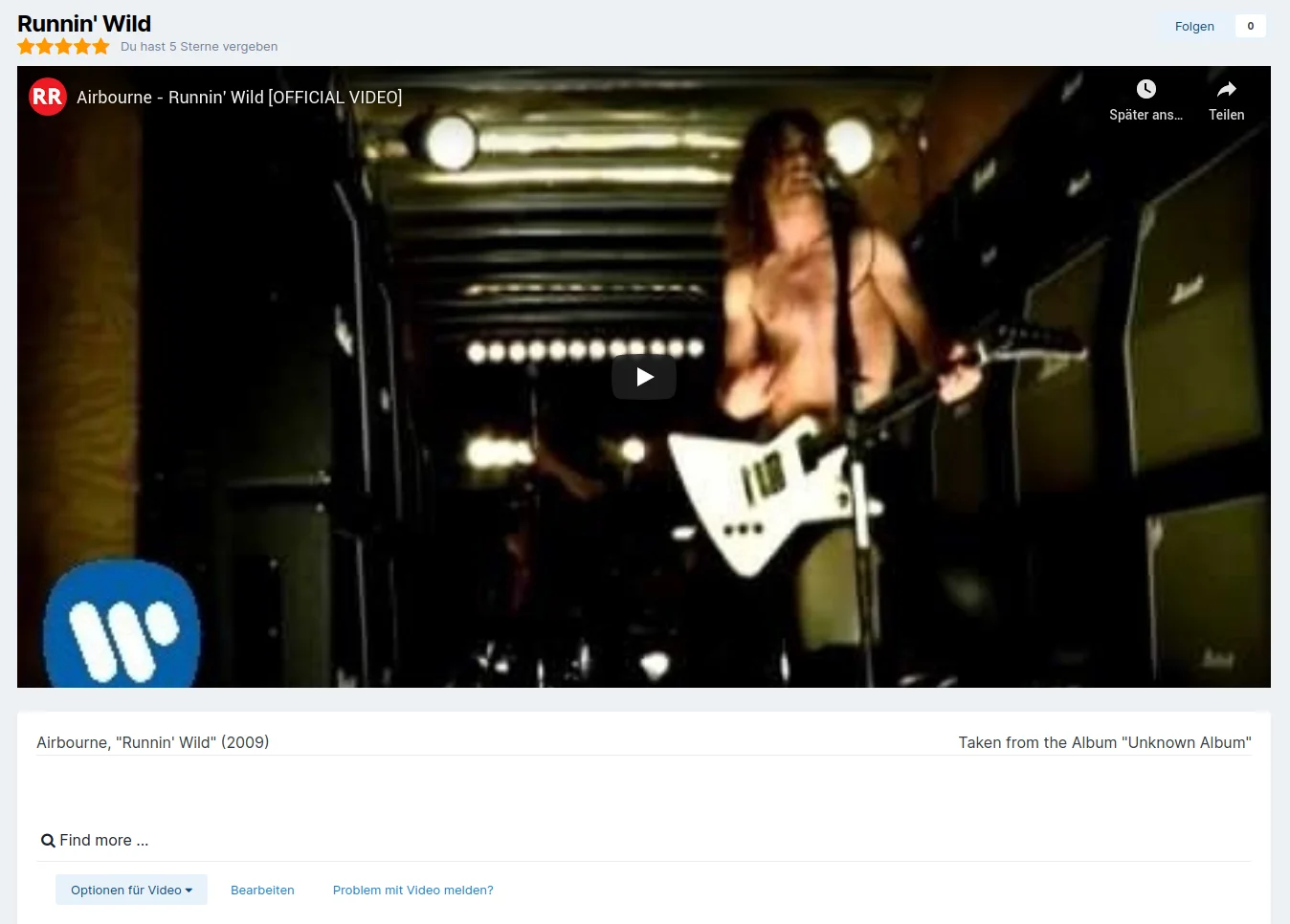
However, you can also use it for other purposes by simply changing the preset categories, genres and field labels. The thumbnails are automatically pulled from YouTube, you don't need to upload anything yourself. You can find more details in the screenshots.
Please remember that this is a database and not a stand-alone application.
You therefore need IPS Pages and have to create the page on which you want to use it manually.
Hierbei handelt es sich um eine Datenbank für YouTube Videos, die speziell auf Musik ausgelegt ist.
Ihr könnt sie aber auch für andere Zwecke einsetzen, indem ihr ganz einfach die voreingestellten Kategorien, Genres und Beschriftungen der Felder ändert. Die Vorschaubilder werden automatisch von YouTube gezogen, ihr braucht nichts selber hochladen. Genaueres könnt ihr am besten den Screenshots entnehmen.
Bitte denkt daran, daß es sich hier um eine Datenbank handelt und keine Stand-alone-Application.
Ihr benötigt dafür also IPS Pages und müsst die Seite manuell anlegen, auf der ihr sie verwenden wollt.
You may only provide a review once you have downloaded the file.
There are no reviews to display.