



TGP stands for Thumbnail Gallery Post. Wikipedia defines it as "an ad-financed site with thumbnails linking to external sites, usually used for pornographic content".
This is exactly what you can do with it, but also much more. And it works as follows...
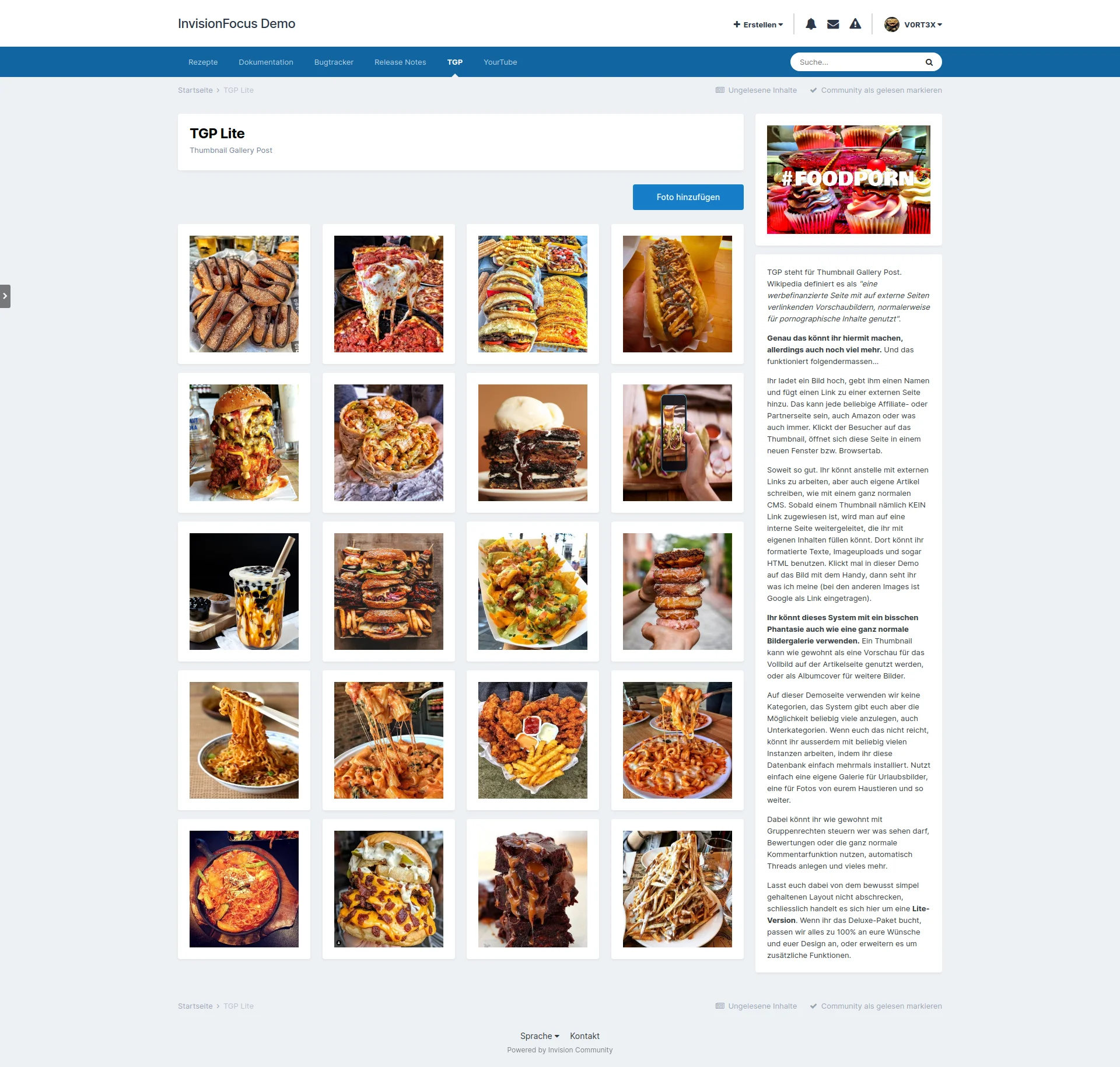
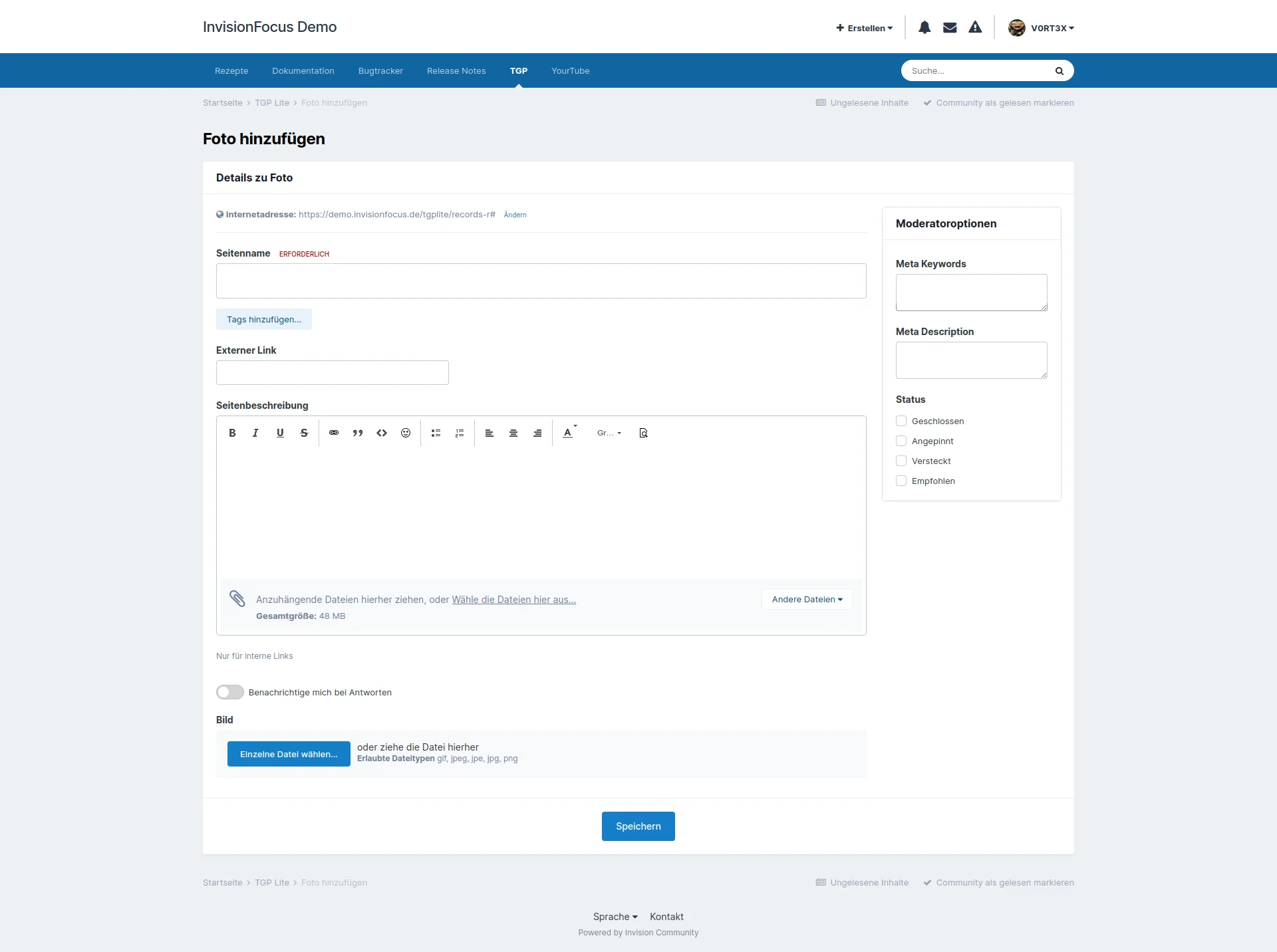
You upload an image, give it a name and add a link to an external site. This can be any affiliate or partner site, even Amazon or whatever. If the visitor clicks on the thumbnail, this page opens in a new window or browser tab.
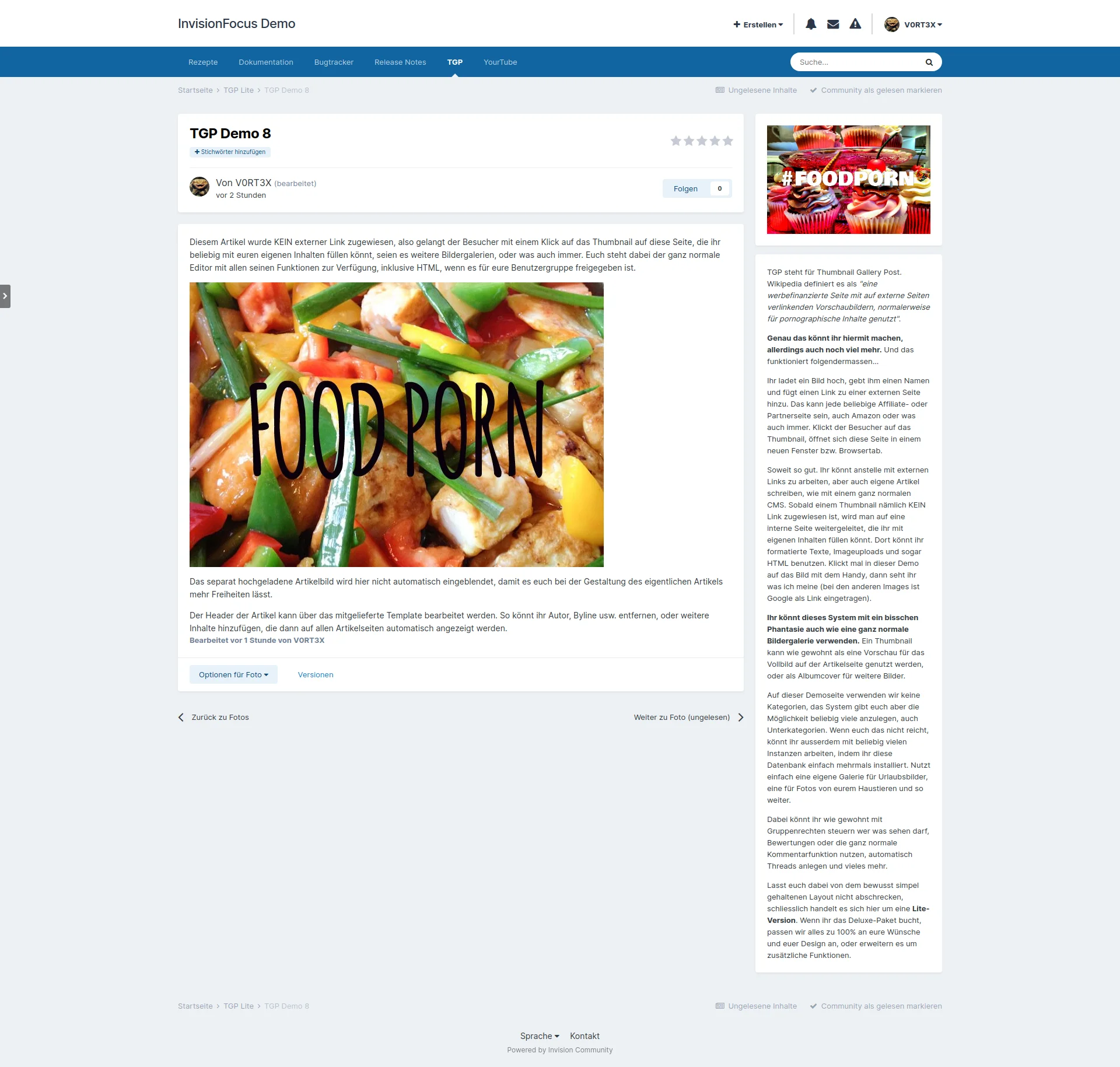
So far so good. Instead of working with external links, you can also write your own articles, just like with a normal CMS. As soon as a thumbnail is NOT assigned a link, you are redirected to an internal page that you can fill with your own content. There you can use formatted texts, image uploads and even HTML. Click on the image with the cell phone in this demo to see what I mean (the other images have Google as a link).
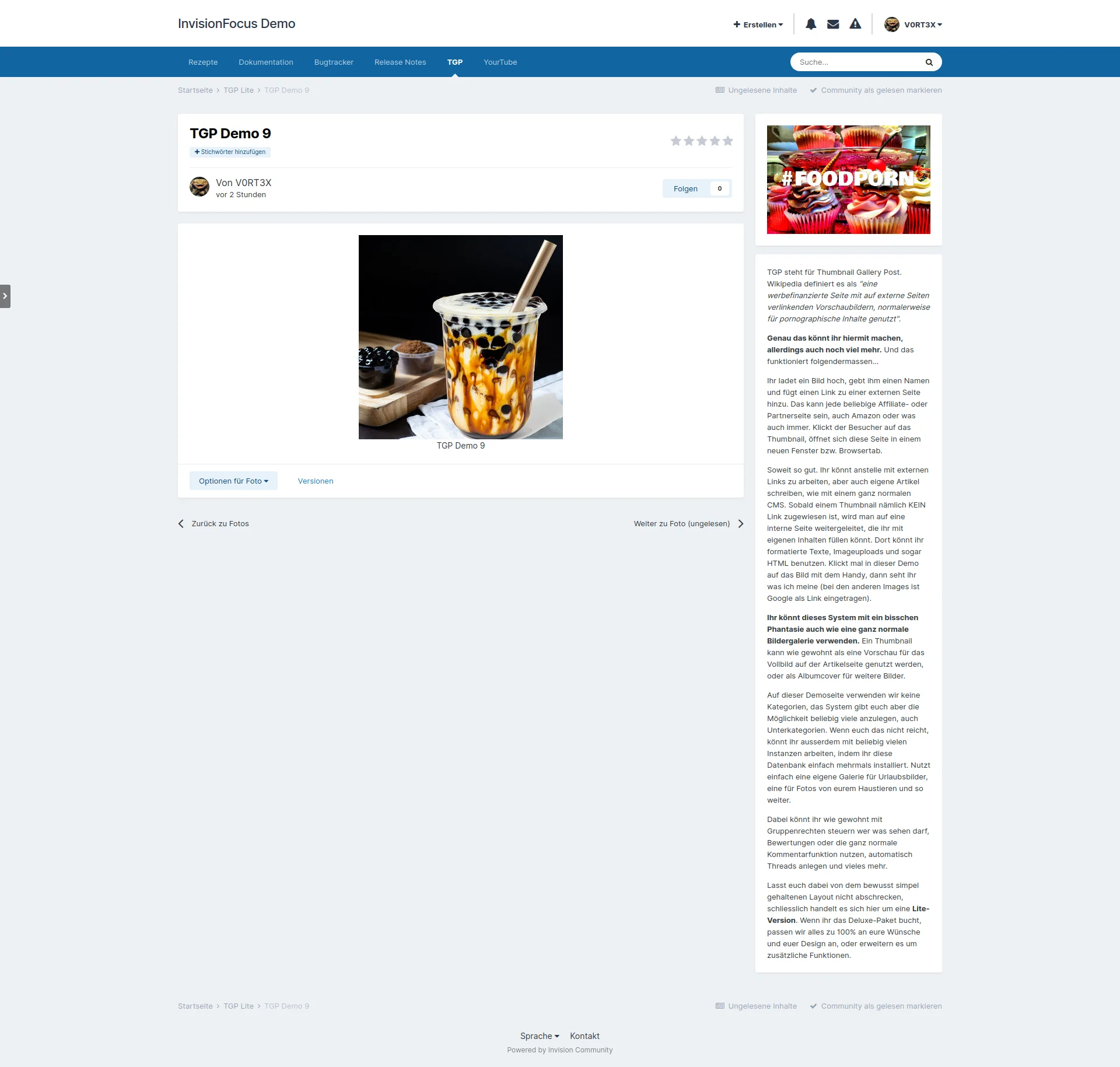
With a little imagination, you can also use this system like a normal image gallery. A thumbnail can be used as usual as a preview for the full image on the article page, or as an album cover for further images.
We don't use categories on this demo site, but the system gives you the option of creating as many as you like, including subcategories. If that's not enough for you, you can also work with as many instances as you like by simply installing this database several times. Simply use a separate gallery for vacation photos, one for photos of your pets and so on.
As usual, you can use group rights to control who can see what, use ratings or the normal comment function, automatically create threads and much more.
Don't be put off by the deliberately simple layout - after all, this is a Lite version.
TGP steht für Thumbnail Gallery Post. Wikipedia definiert es als "eine werbefinanzierte Seite mit auf externe Seiten verlinkenden Vorschaubildern, normalerweise für pornographische Inhalte genutzt".
Genau das könnt ihr hiermit machen, allerdings auch noch viel mehr. Und das funktioniert folgendermassen...
Ihr ladet ein Bild hoch, gebt ihm einen Namen und fügt einen Link zu einer externen Seite hinzu. Das kann jede beliebige Affiliate- oder Partnerseite sein, auch Amazon oder was auch immer. Klickt der Besucher auf das Thumbnail, öffnet sich diese Seite in einem neuen Fenster bzw. Browsertab.
Soweit so gut. Ihr könnt anstelle mit externen Links zu arbeiten, aber auch eigene Artikel schreiben, wie mit einem ganz normalen CMS. Sobald einem Thumbnail nämlich KEIN Link zugewiesen ist, wird man auf eine interne Seite weitergeleitet, die ihr mit eigenen Inhalten füllen könnt. Dort könnt ihr formatierte Texte, Imageuploads und sogar HTML benutzen. Klickt mal in dieser Demo auf das Bild mit dem Handy, dann seht ihr was ich meine (bei den anderen Images ist Google als Link eingetragen).
Ihr könnt dieses System mit ein bisschen Phantasie auch wie eine ganz normale Bildergalerie verwenden. Ein Thumbnail kann wie gewohnt als eine Vorschau für das Vollbild auf der Artikelseite genutzt werden, oder als Albumcover für weitere Bilder.
Auf dieser Demoseite verwenden wir keine Kategorien, das System gibt euch aber die Möglichkeit beliebig viele anzulegen, auch Unterkategorien. Wenn euch das nicht reicht, könnt ihr ausserdem mit beliebig vielen Instanzen arbeiten, indem ihr diese Datenbank einfach mehrmals installiert. Nutzt einfach eine eigene Galerie für Urlaubsbilder, eine für Fotos von eurem Haustieren und so weiter.
Dabei könnt ihr wie gewohnt mit Gruppenrechten steuern wer was sehen darf, Bewertungen oder die ganz normale Kommentarfunktion nutzen, automatisch Threads anlegen und vieles mehr.
Lasst euch dabei von dem bewusst simpel gehaltenen Layout nicht abschrecken, schliesslich handelt es sich hier um eine Lite-Version.
You may only provide a review once you have downloaded the file.
There are no reviews to display.