


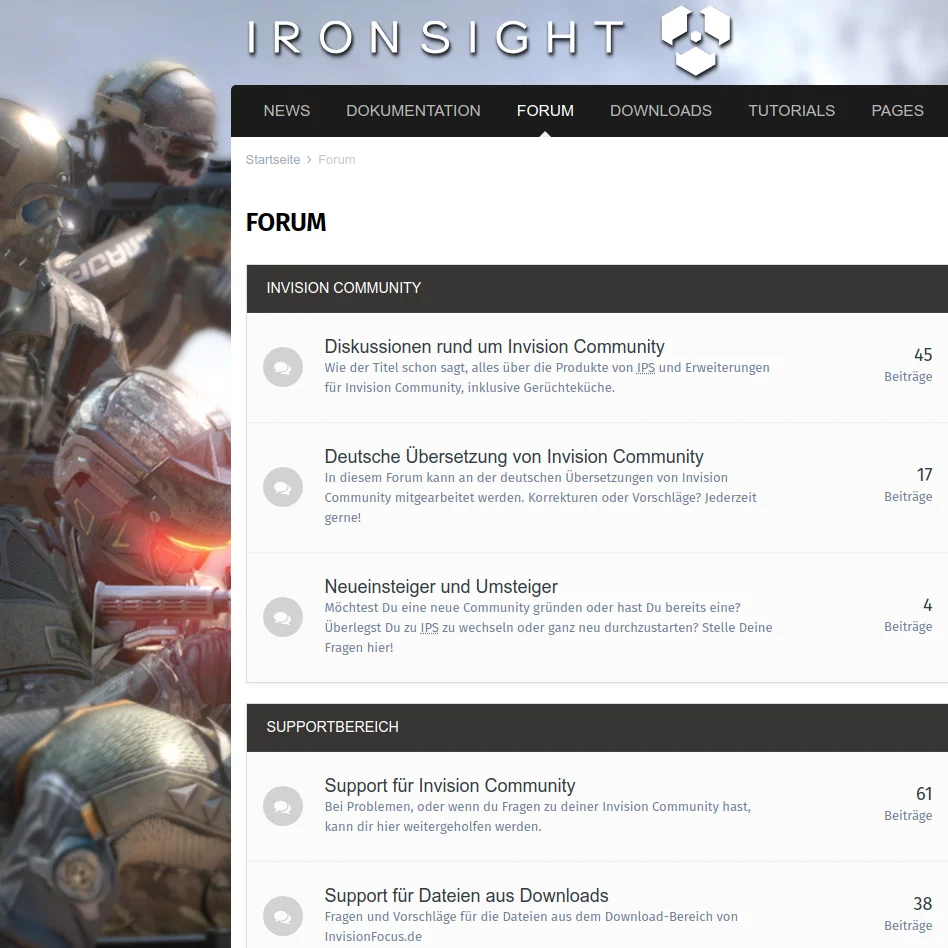
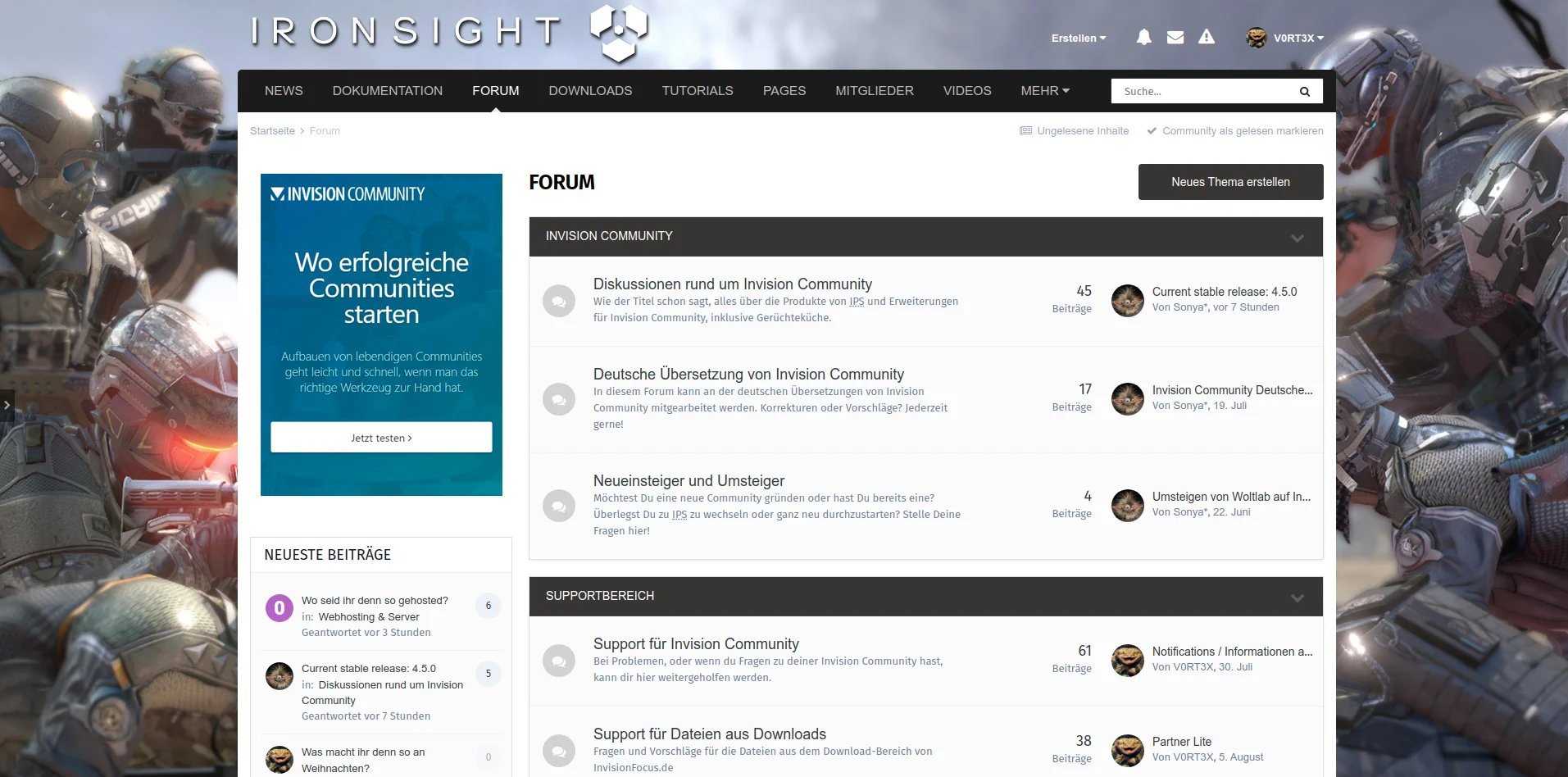
IRONSIGHT is a light theme for Invision Community 4.5 with basic white / grey colors and a nice layout. It's free and comes without any brandings or visible copyrights.
This is no multipurpose themeframework and comes - believe it or not - without any additional template changes, only custom CSS and build in IPS 4.5 theme settings.
Although it's not equipped with millions of additional AdminCP settings, it is customizable in many ways. As far as possible the default settings are used and for advanced customization we have a support thread in english language too.
This work is fan art inspired by Project: Ironsight, a next-gen military first person shooter by WipleGames, which is free too and availiable on Steam.
IRONSIGHT ist ein helles Theme für Invision Community 4.5 in den Farbtönen Weiss / Grau und einem schicken Layout. Es ist gratis und enthält keine sichtbaren Copyrights.
Hierbei handelt es sich um kein multipurpose Theme-Framework und kommt - glaubt es oder nicht - komplett ohne Templateänderungen aus, es werden nur eigenes CSS und die Theme-Einstellungen von IPS 4.5 verwendet.
Doch obwohl es nicht mit millionen zusätzlicher AdminCP-Einstellungen daherkommt, ist es in vielerlei Hinsicht anpassbar. Soweit wie möglich werden die gegebenen Standardeinstellungen verwendet und bei fortgeschrittenen Anpassungen helfen wir euch auch gerne im Supportthread weiter.
Dieses Werk ist Fanart, inspiriert von Project: Ironsight, einem Next-Gen First Person Shooter von WipleGames, der ebenfalls kostenfrei und auf Steam verfügbar ist.
You may only provide a review once you have downloaded the file.
There are no reviews to display.