


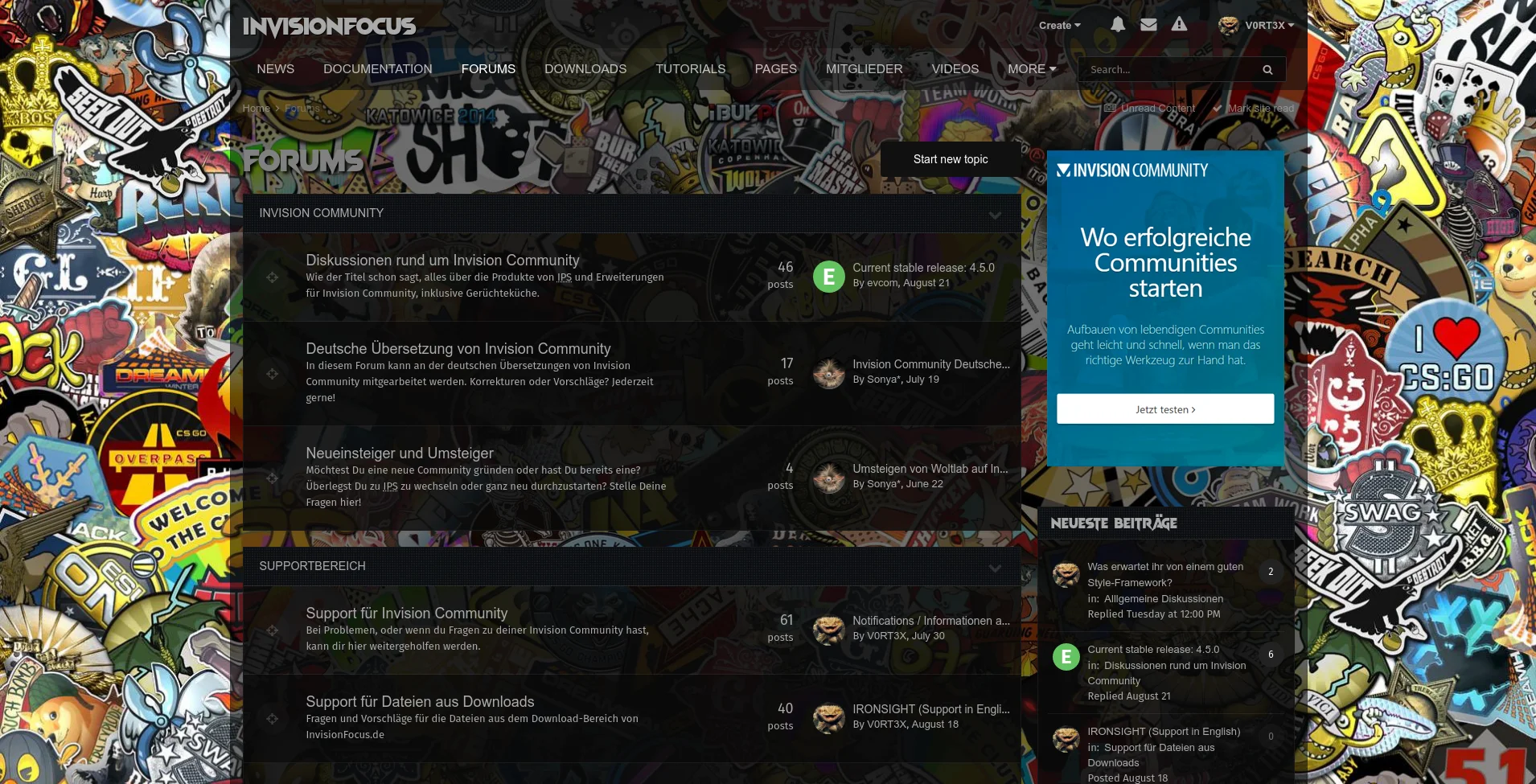
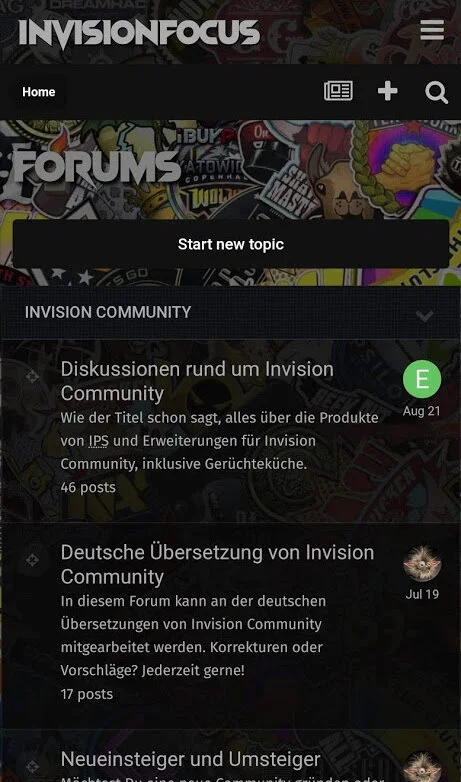
Ready to strike? Boost your community with a modern theme and stand out of the crowd.
Not only for gaming sites, individualize the look to make it fit to your genre.
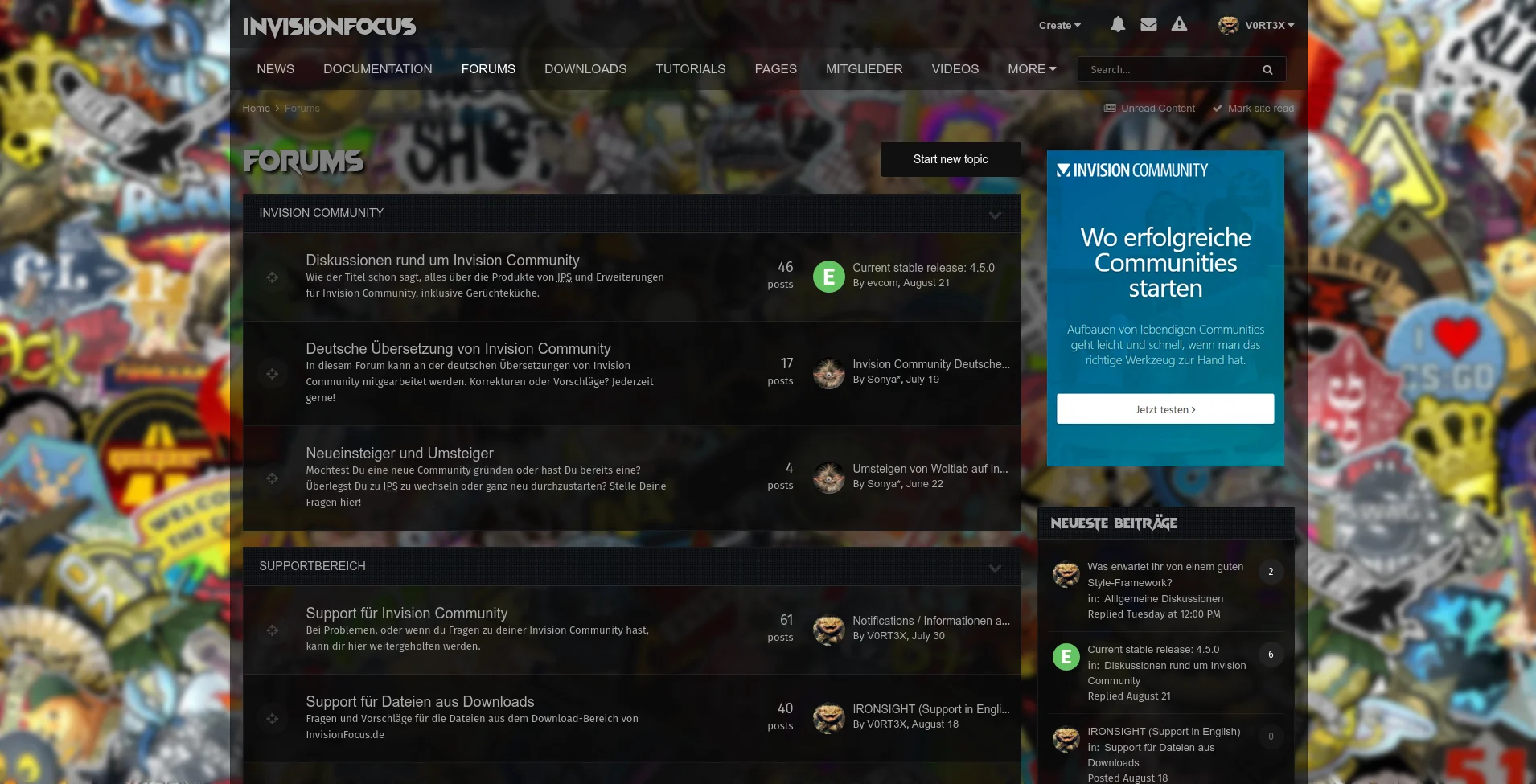
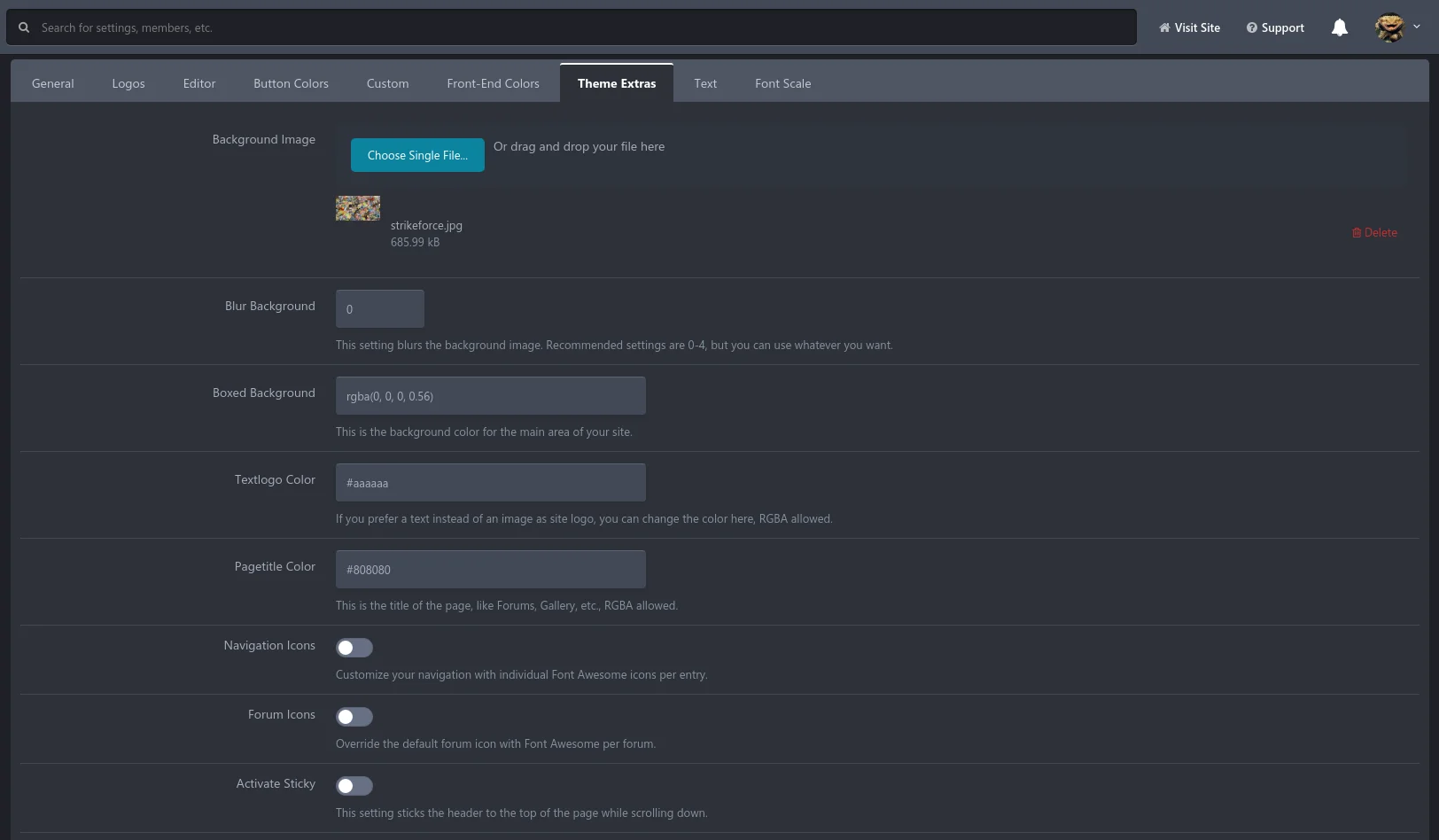
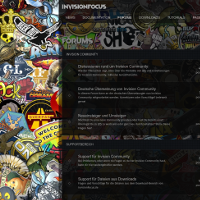
Upload your own background image and use blur effects to focus on the main content.
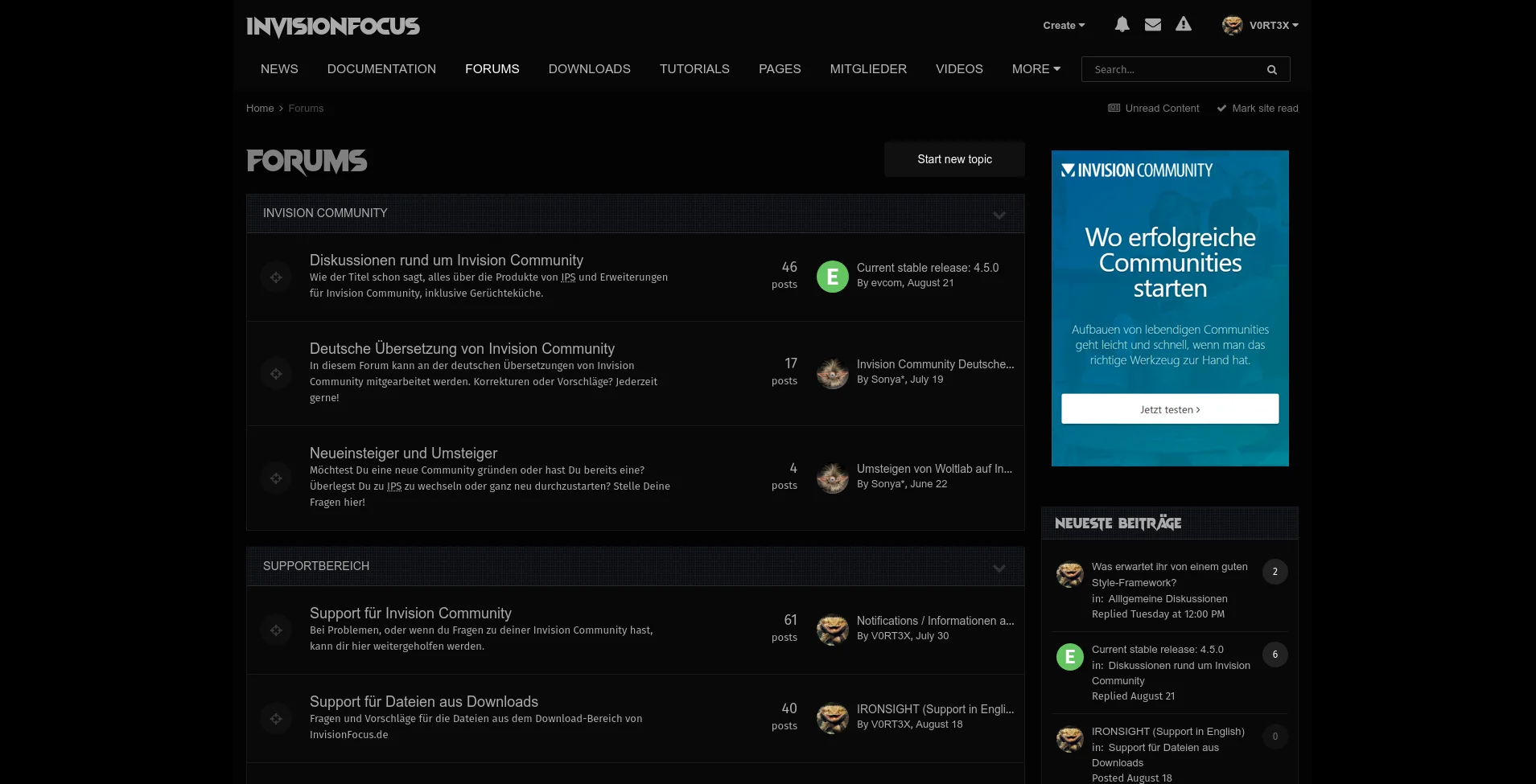
Change the transparency of the main site area or use solid colors instead.
Use the pretty boxed layout with a bigger or fluid width.
Easily add Font Awesome Icons to navigation and forums in the AdminCP.
Stick the header to the top of the page or add a zebra effect to the forum overview.
You will be surprised how the result looks like after playing around with the settings.
It's free and comes without any brandings or visible copyrights
Ready to strike? Verpasse deiner Community einen neuen Look und hebt euch aus der Masse hervor.
Nicht nur für Gaming-Seiten, das Aussehen ist individualisierbar um sich deinem Genre anzupassen.
Lade dein eigenes Hintergrundbild hoch und verwende Blur-Effekte um das Augenmerk mehr auf die Inhalte zu richten.
Ändere die Transparenz des Hauptbereiches oder benutze deckende Farben.
Verwende das schicke Boxed-Layout in einer anderen Breite (Fixed oder Fluid).
Einfaches hinzufügen von Font Awesome Icons in Navigation und Foren direkt im AdminCP.
Nutze die Sticky-Funktion um den Header beim Scrollen oben festzuhalten.
Füge der Auflistung der Foren für eine bessere Übersicht einen Zebra-Effekt hinzu.
Du wirst überrascht sein, wie das Ergebnis aussieht, nachdem du ein wenig in den Einstellungen herumgespielt hast.
You may only provide a review once you have downloaded the file.
There are no reviews to display.