


Jump to content
View in the app

A better way to browse. Learn more.

Afterlife

A full-screen app on your home screen with push notifications, badges and more.

To install this app on iOS and iPadOS
  1. Tap the Share icon in Safari
  2. Scroll the menu and tap Add to Home Screen.
  3. Tap Add in the top-right corner.
To install this app on Android
  1. Tap the 3-dot menu (⋮) in the top-right corner of the browser.
  2. Tap Add to Home screen or Install app.
  3. Confirm by tapping Install.

Media Exchange 1.0.0

(0 reviews)

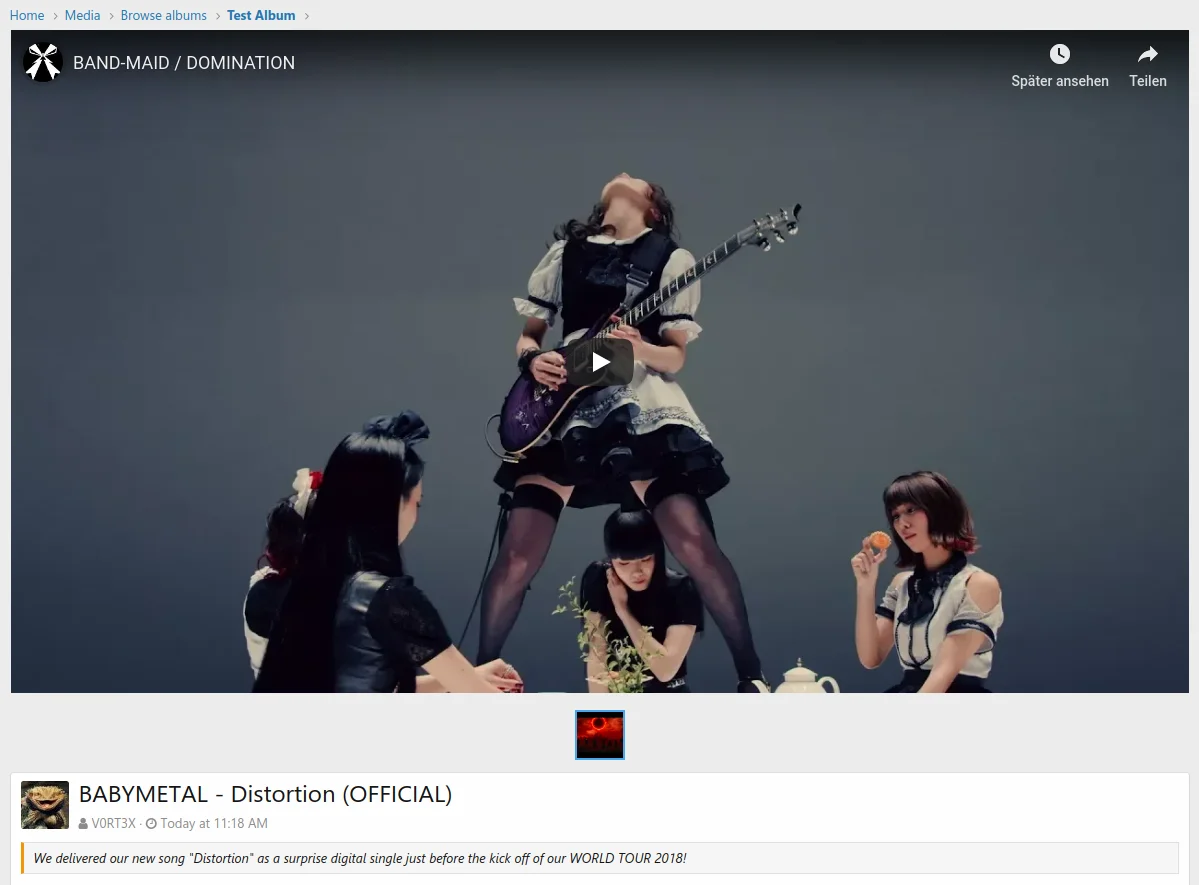
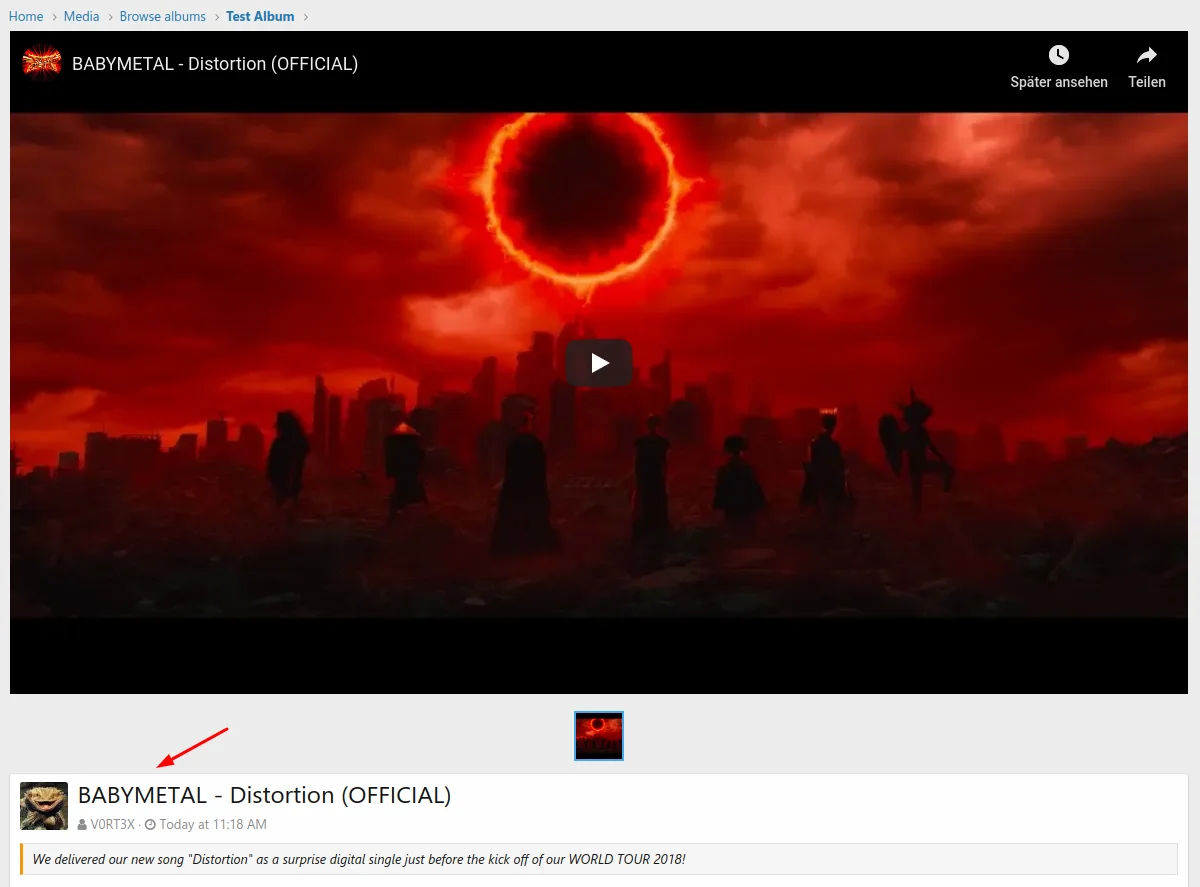
4 Screenshots

Da es mit der XFMG2 ja nicht möglich ist, eingebettete Medien zu bearbeiten, habe ich ein kleines Addon geschrieben, um das nicht immer direkt über die Datenbank machen zu müssen. Die Kommentare zu den Medien lassen sich nämlich ebenfalls nicht verschieben, also ist löschen in der Regel keine Option, wenn mal ein Video vom Hoster gelöscht wird.

Viel zu sehen gibt es nicht, das Addon integriert sich in den Sidebar-Eintrag der XFMG, es gibt ein Eingabefeld für die alte und die neue Medien ID und einen Button um die Aktion auszuführen, das wars auch schon.

User Feedback

You may only provide a review once you have downloaded the file.

There are no reviews to display.


Afterlife.to, Est. MMXXVI Powered by Invision Community

Important Information

This site uses cookies and stuff. You must be logged in to view explicit content.

Account

Navigation

Search

Configure browser push notifications

Chrome (Android)
  1. Tap the lock icon next to the address bar.
  2. Tap Permissions → Notifications.
  3. Adjust your preference.
Chrome (Desktop)
  1. Click the padlock icon in the address bar.
  2. Select Site settings.
  3. Find Notifications and adjust your preference.