


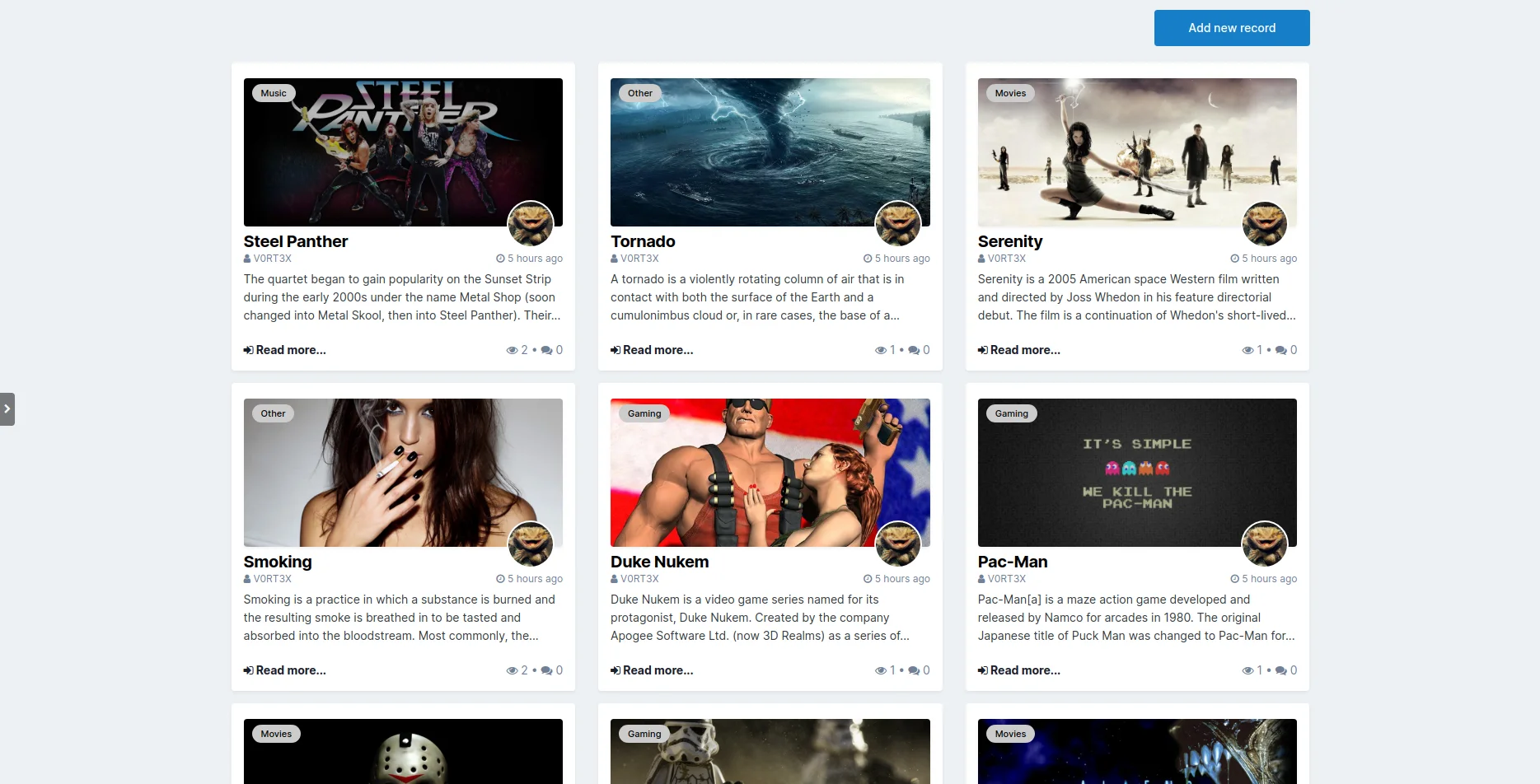
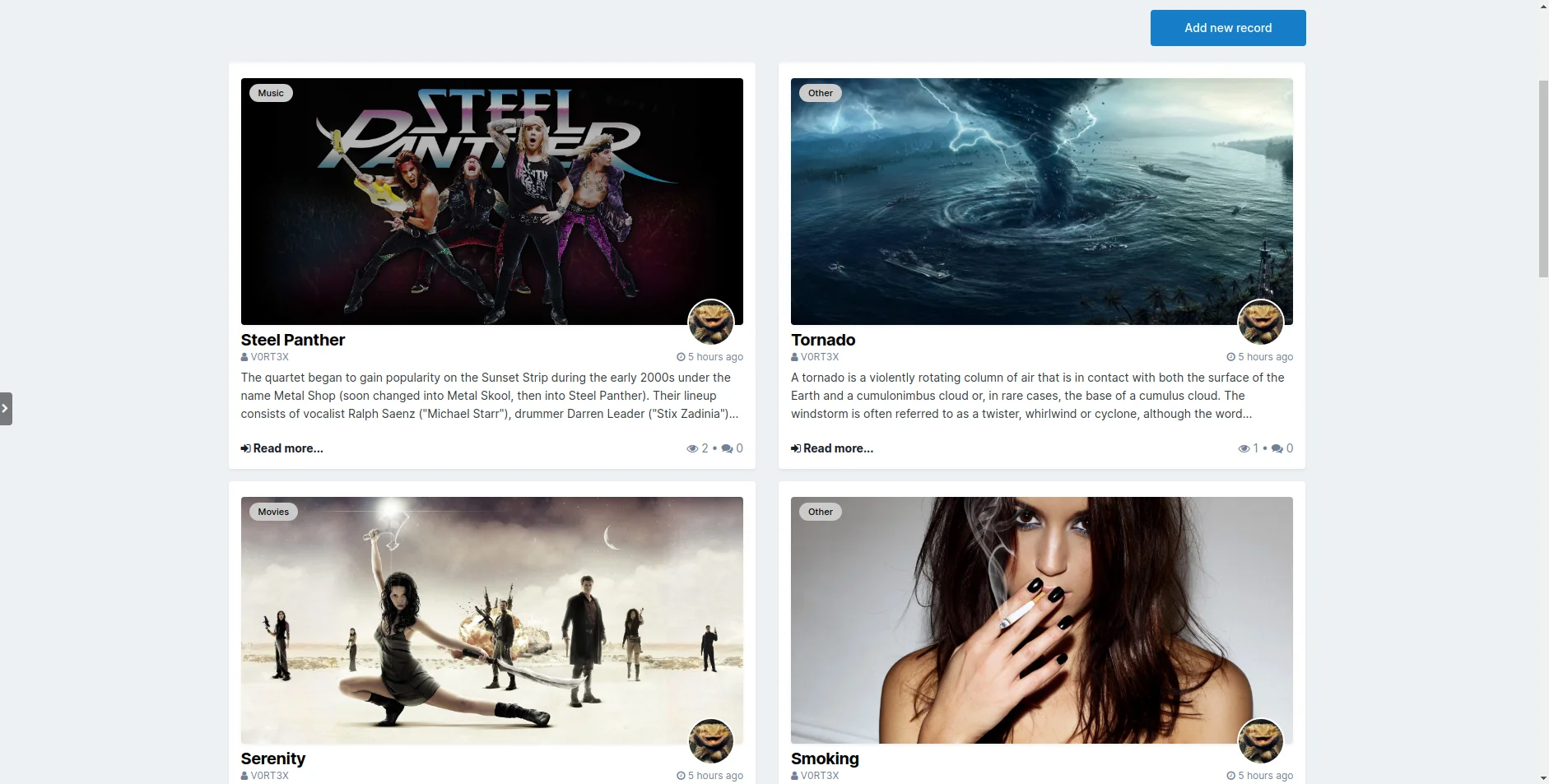
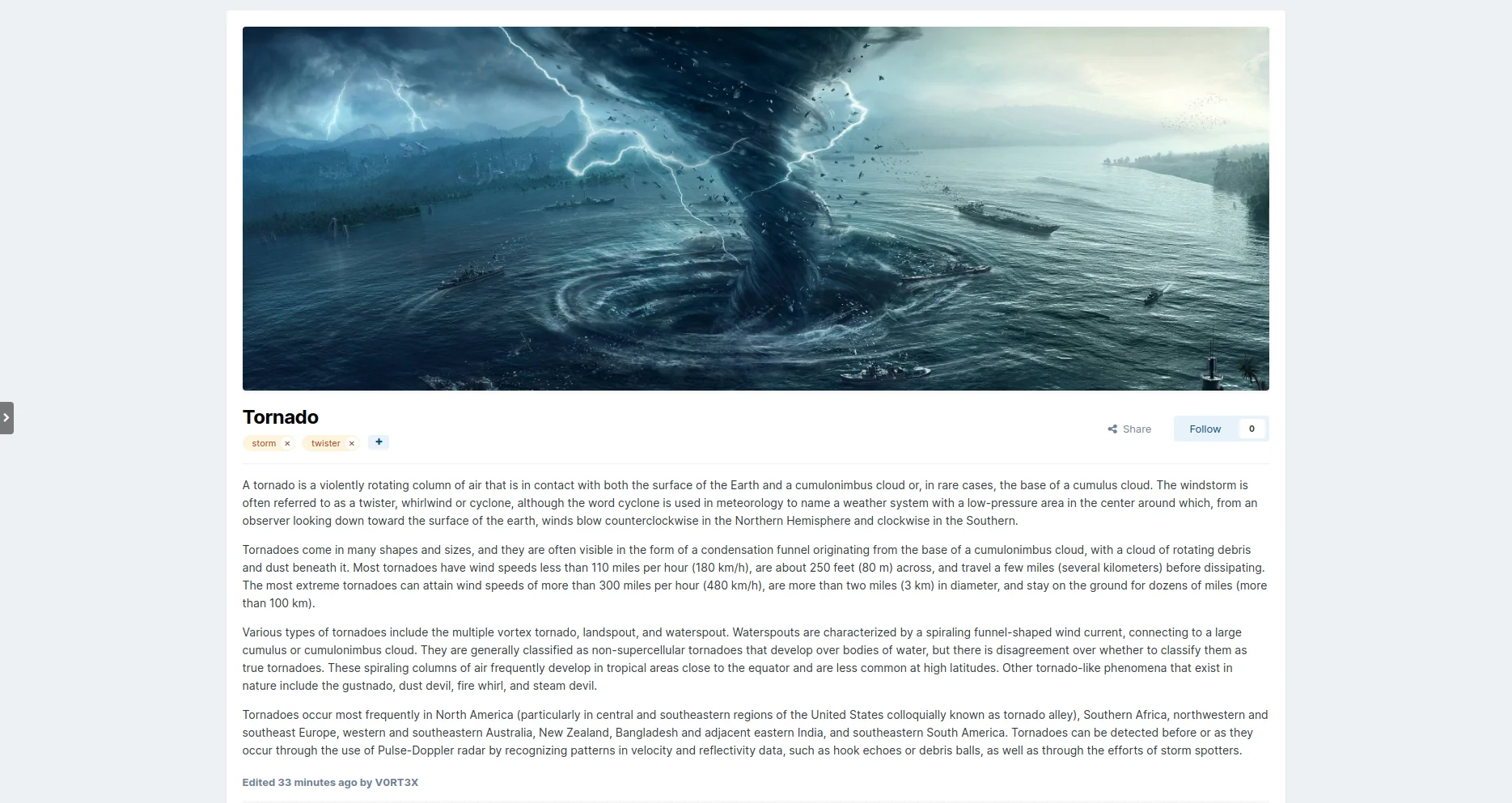
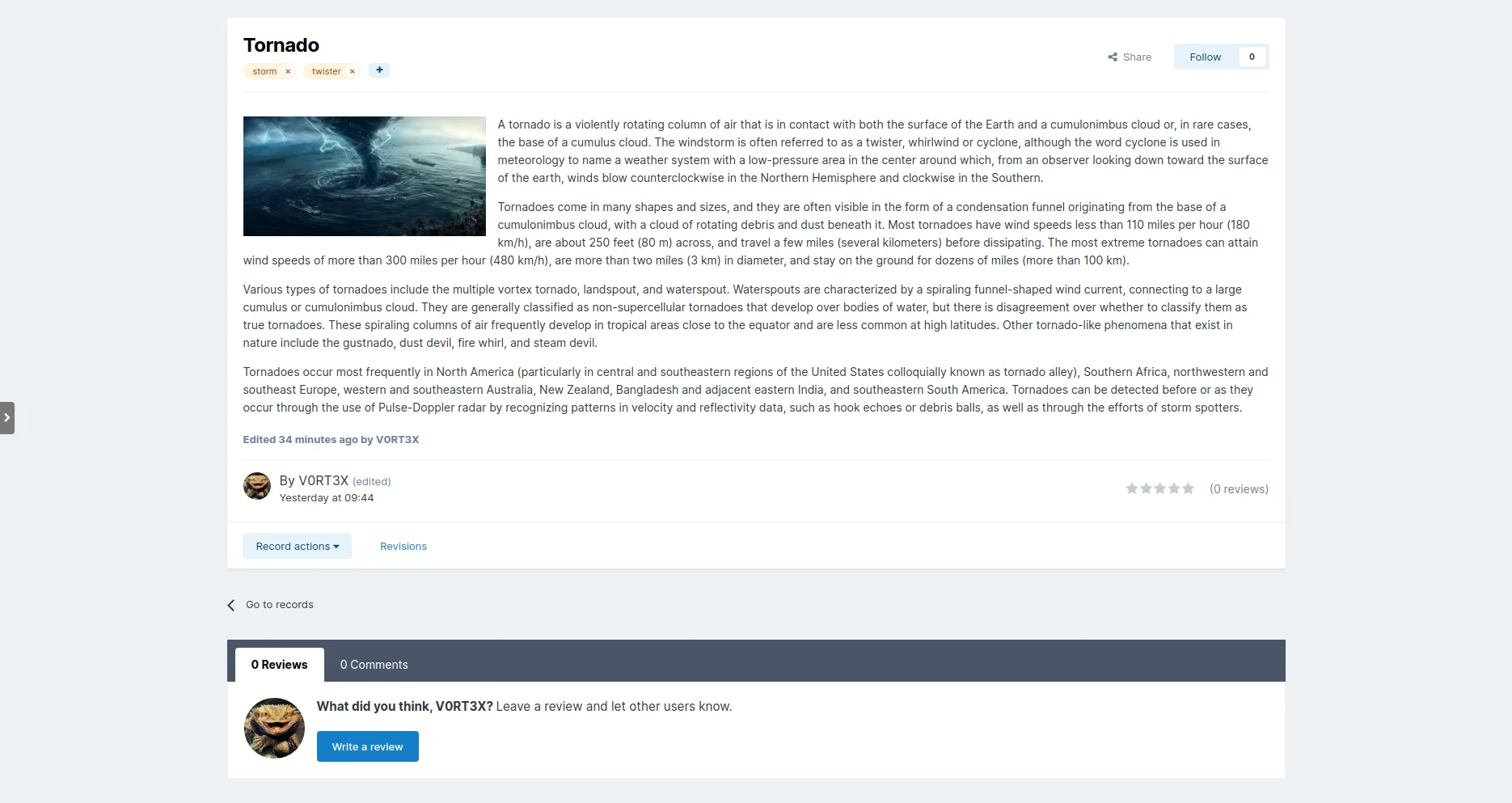

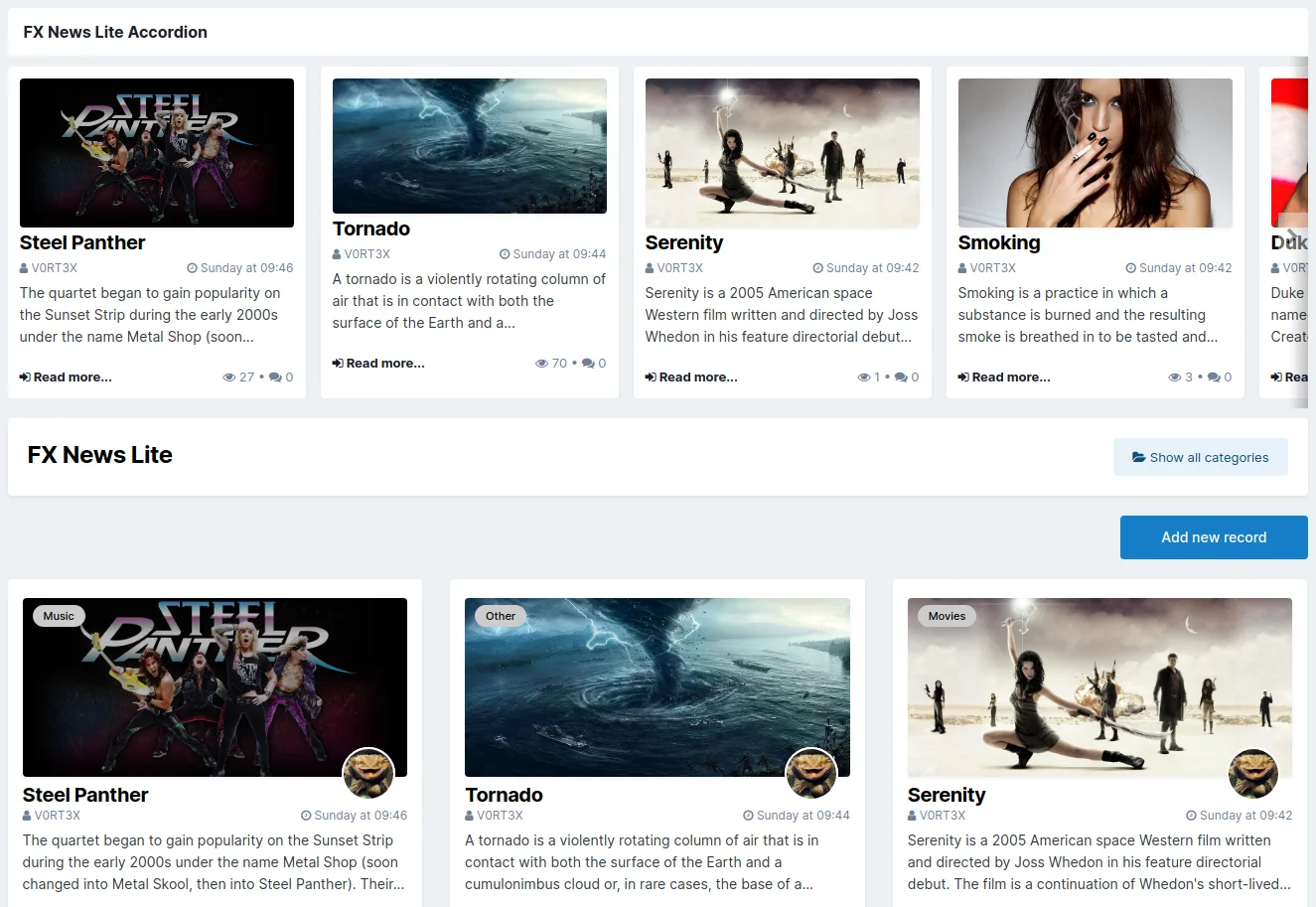
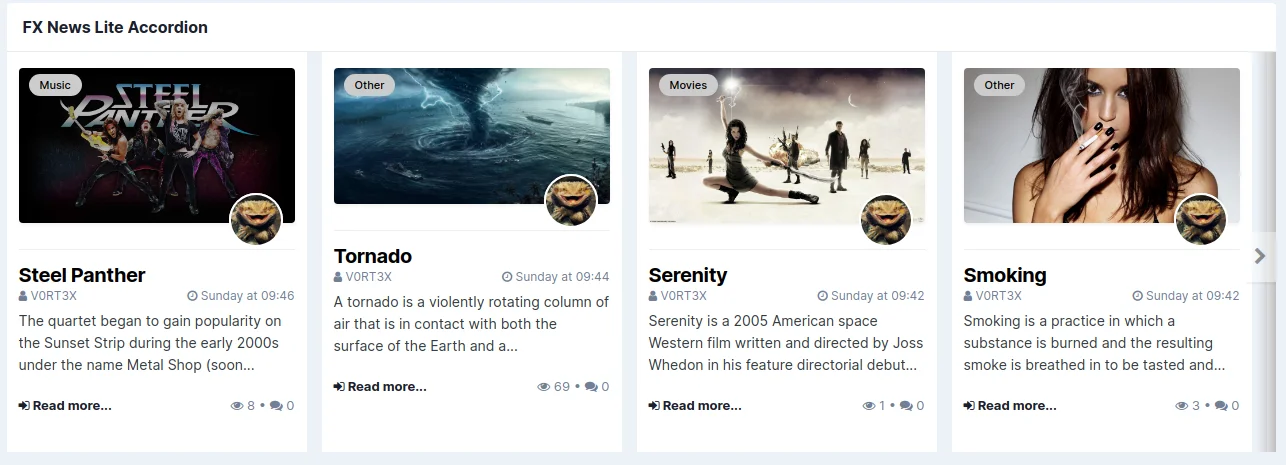
FX News is an extension for Pages to create great looking news sites, similar to what we are using on InvisionFocus or the Invision Community Blog.
It comes with layouts for Featured Articles, Article Listings, the Article Display itself and two customizable block templates for your records. And yes, this means your existing records, you can use this with all the databases and content you have already created.
Also it's equipped with lots of useful settings to customize almost everything and make it fit to your site ...
Templates with two- or three-row layouts for all your databases.
Use thumbnails or original images (loading speed vs. quality).
Chose the size of the images and how they are displayed.
Optionally use image zoon on hover or an individual effect you have created by yourself.
Select additional info shown in the article cards like author avatar, category or comment count.
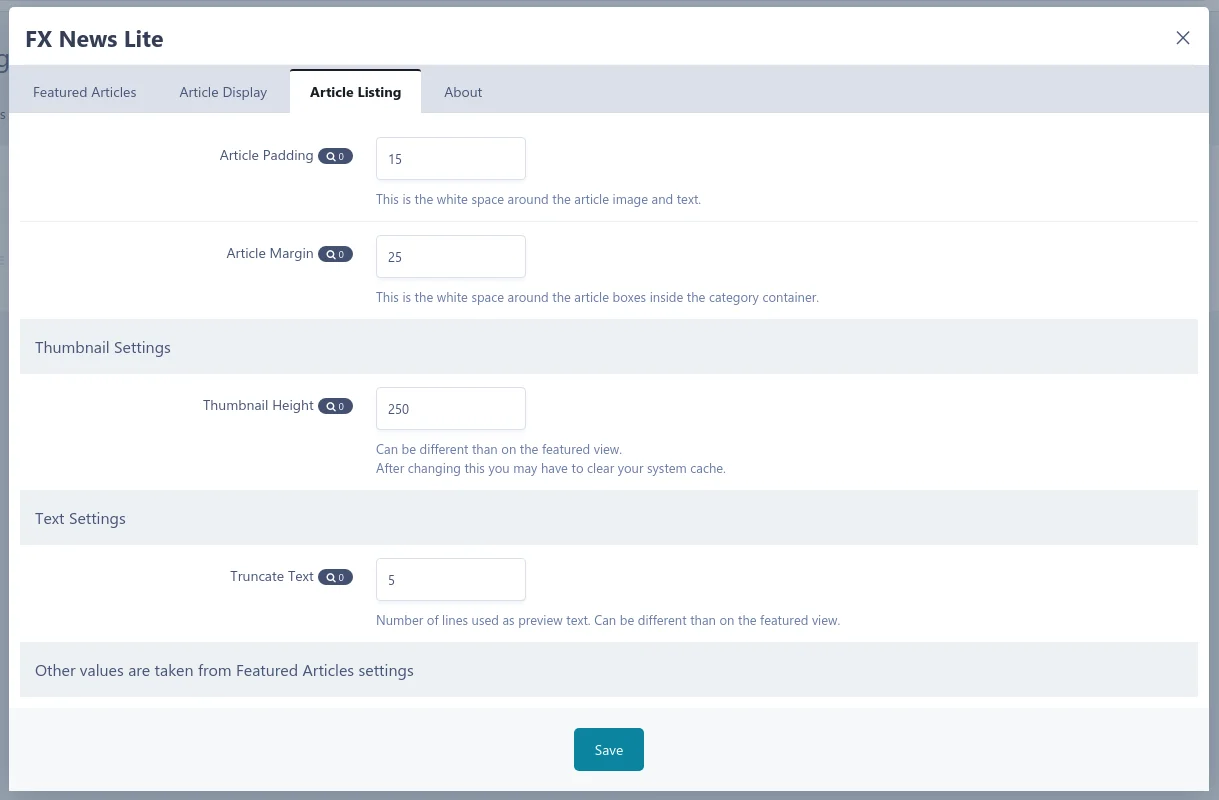
Set the height and behavior of the headline and lenght of the truncated preview text.
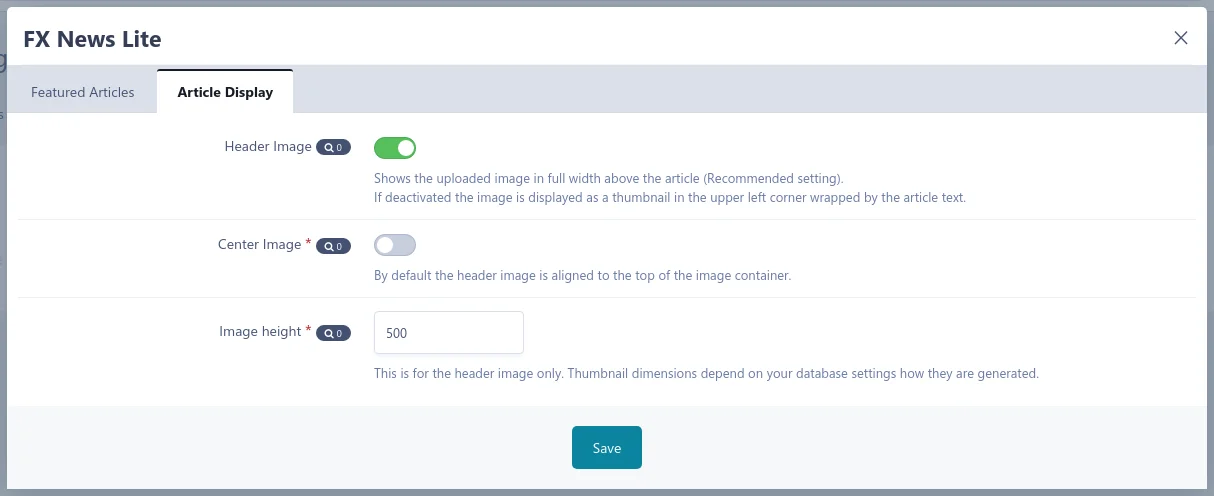
Choose if you want to use the uploaded image above the article, inside or hide it at all.
Ability to set individual image dimensions for desktop and mobile view above the articles.
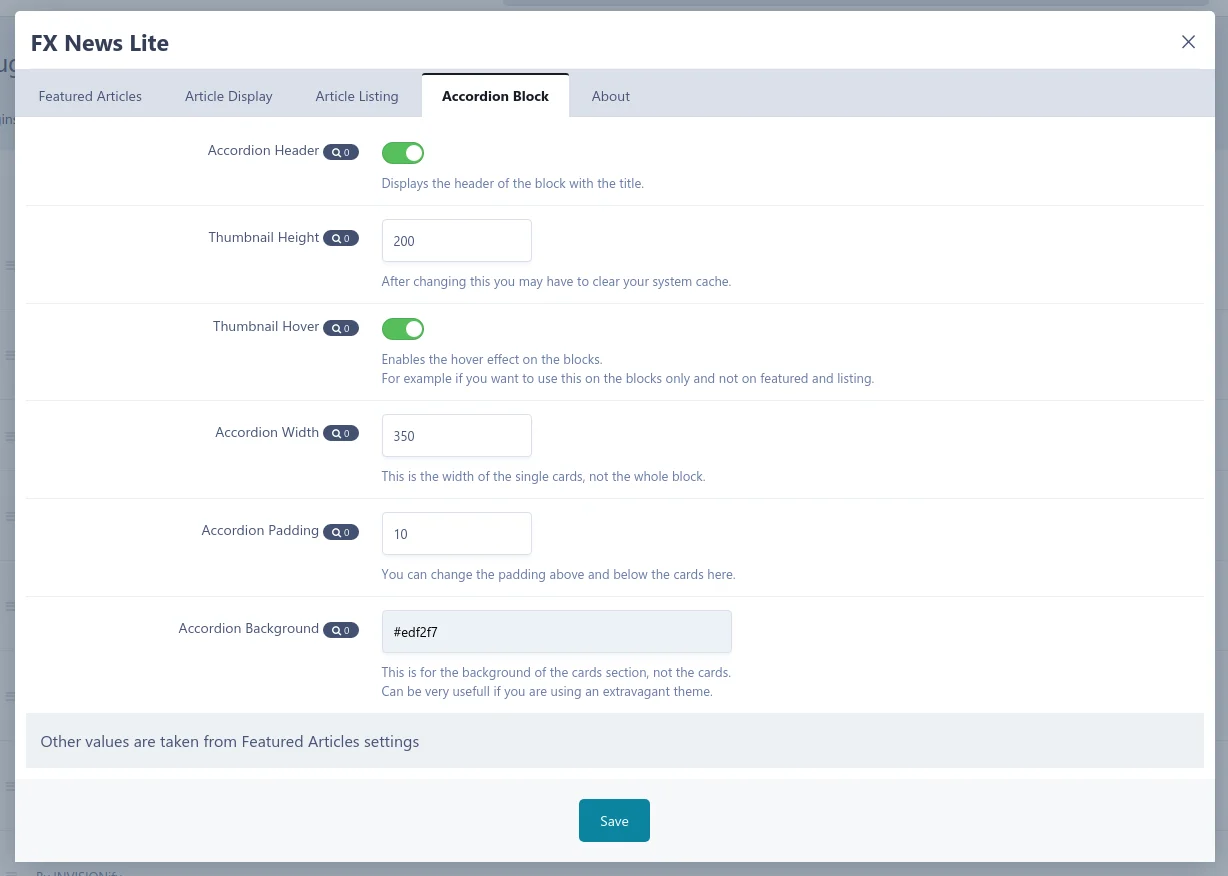
And these are only a few of the settings, just take a look at the uploaded screenshots for more.
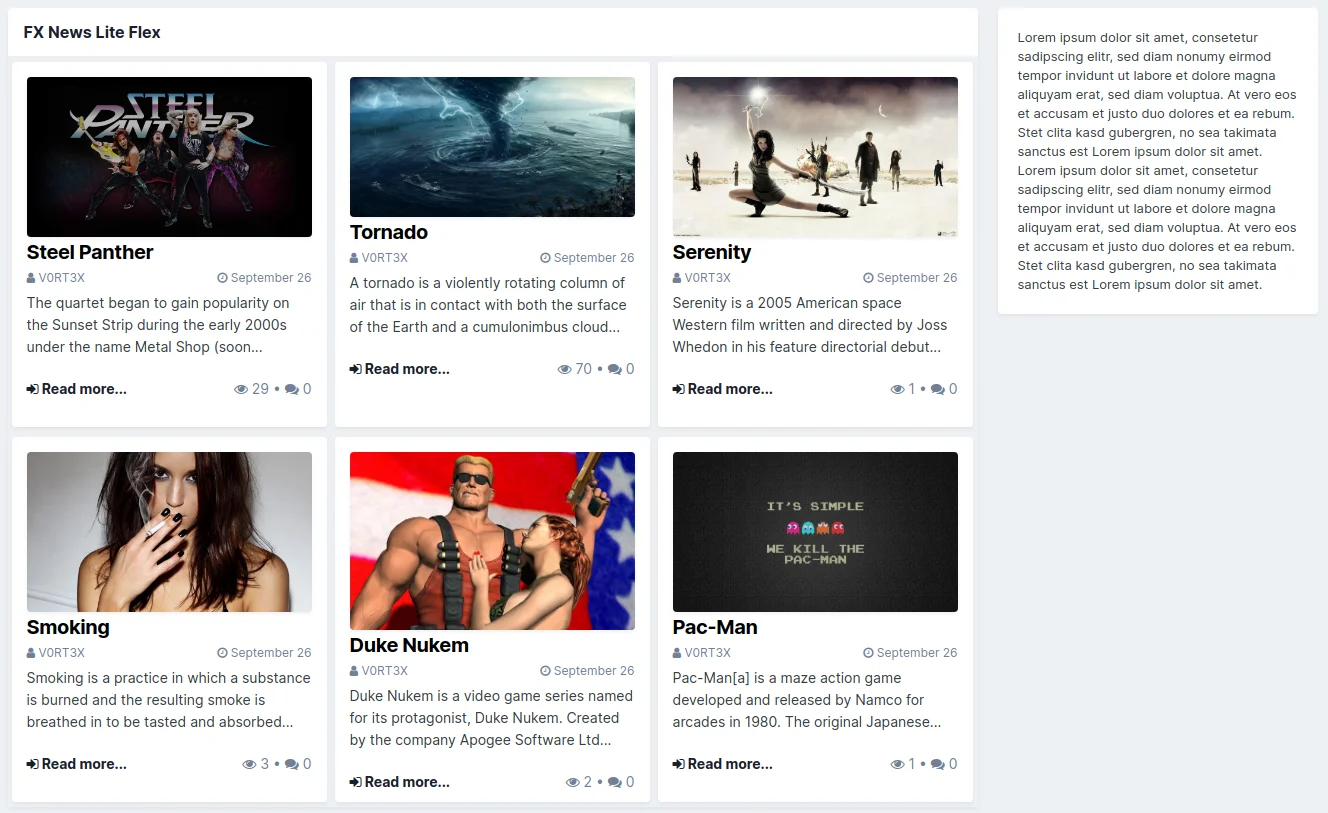
Additionally to an advanced Accordion block similar to what is used almost everywhere on Invision Community and many third party applications, it comes with it's own very mighty Flex block that you can use to populate whole pages... or simply show some news above your forums too, if you don't like the accordion style.
Both blocks pull their content (a.k.a. shown articles) from your databases and you can of course use all standard blocks settings to filter. Not only the latest articles, build blocks based on selected categories, features, ratings or even tags.
Sounds good so far? Why don't you just give it a try, it's free and you can break nothing. Your databases and records itself are not affected by this plugin.
A big thank you for beta-testing and feedback while Pre-Marketplace stage goes out to our members, especially Duken and pushpendra.
Bei diesem Plugin handelt es sich um ein Pages-Templates Set inklusive einiger Settings, mit denen ihr ähnliche News-Seiten wie die, die wir hier verwenden erstellen könnt. Das bezieht sich logischerweise auf die Artikel selbst und nicht auf das Theme rundherum.
Die grossen Hero-Headerbilder und das Tab-Menü würden mit vielen Themes aus dem Marketplace schlicht und einfach nicht funktionieren. Ausserdem laufen hier im Hintergrund noch ein paar Spielereien, für die ihr auch eine dafür vorbereitete Datenbank benötigen würdet.
Dafür funktioniert diese Umsetzung ohne weiteres auch mit euren bestehenden Datenbanken. Ihr müsst dafür nur die Templates umstellen und könnt den Look euren Vorstellungen entsprechend über die Plugin-Einstellungen vornehmen.
Der erste Release (1.0.3) enthält zwei Templates für "Featured Articles", zu sehen auf den Screenshots 2 und 3. Mit den nächsten Releases folgen im laufe dieser Woche zusätzlich noch Templates für die Artikelansicht, Artikelauflistung und Kategorieübersicht.
Falls ihr Fehler finden solltet, meldet diese doch bitte im Thread. Über Feedback freue ich mich natürlich auch immer.
You may only provide a review once you have downloaded the file.
There are no reviews to display.