


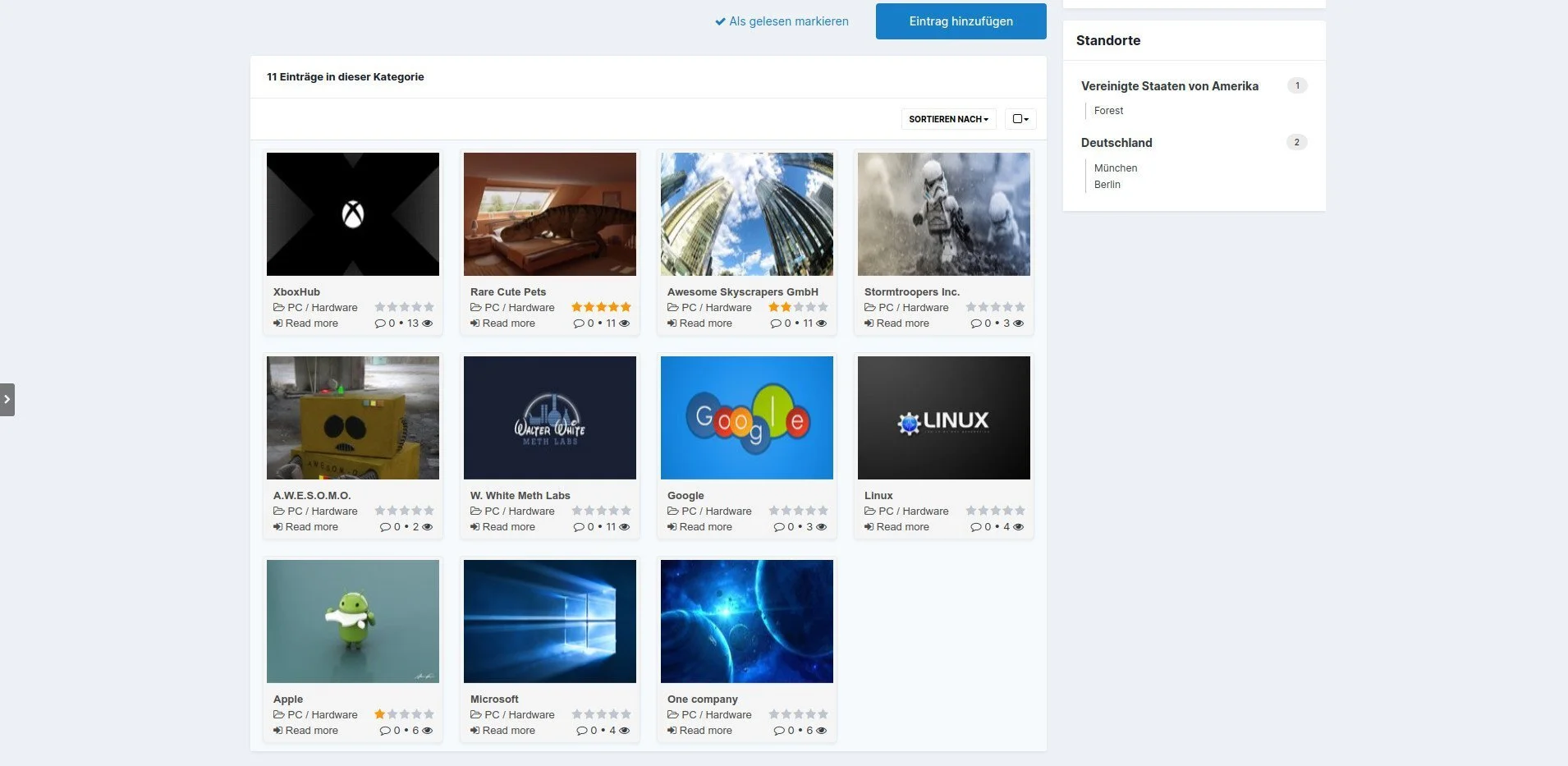
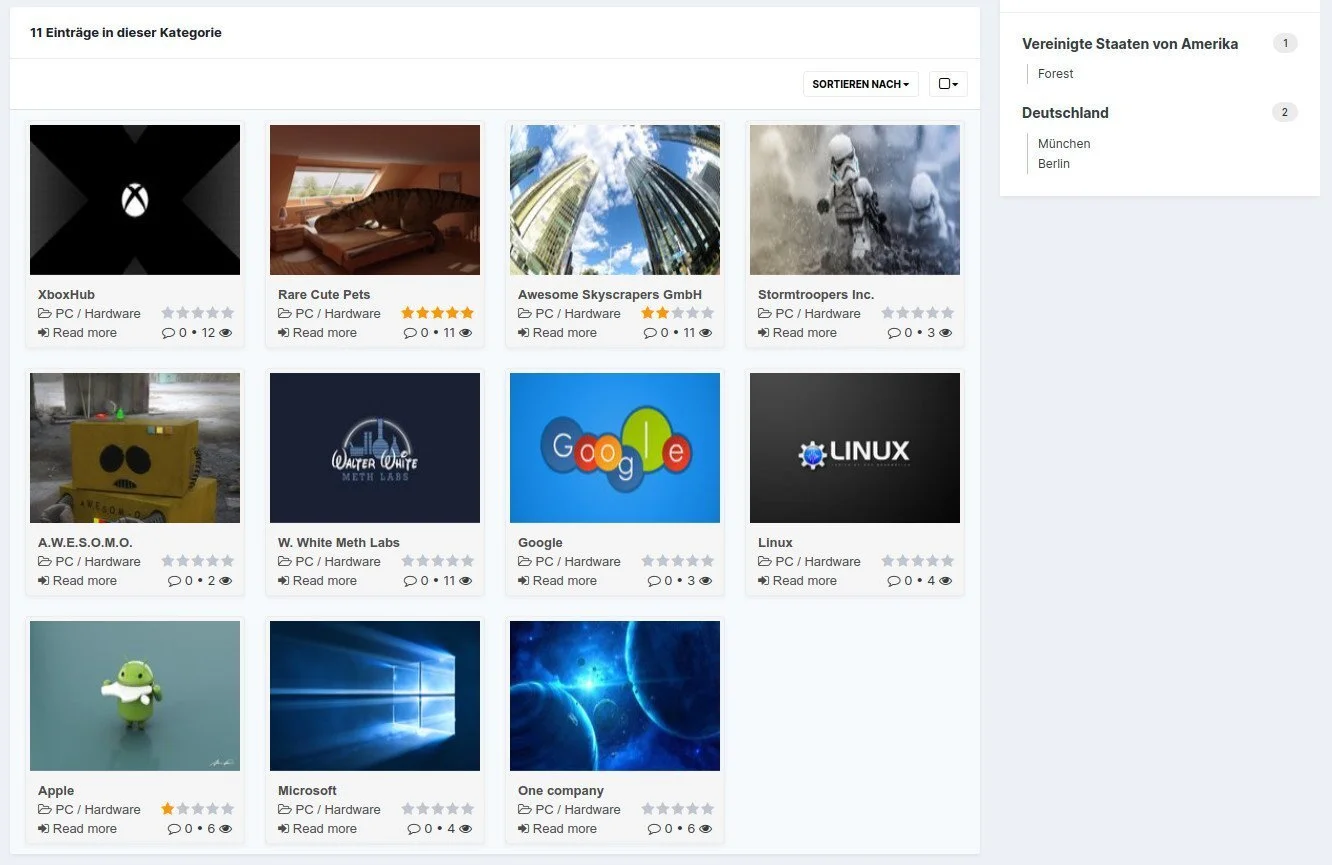
Yellow Pages is a fully functional business directory based on IPS Pages.
The main reason why we chose Pages as the basis for this directory is primarily to ensure compatibility with future IPS updates. In contrast to a stand-alone application, only minor adjustments are necessary and the future of your directory is secured.
With this database, you and your users can create an unlimited number of categories for all types of companies, whether local or international. The setup is prepared for all important company information, including support for Google Maps and Mapbox. Additional fields can easily be added by yourself.
It also comes with a fresh, modern look that perfectly matches the new IPS 4.5.x design.
Note: To make installation as easy as possible, the entire package is delivered as an application, but IPS Pages is still required.
And another not entirely unimportant piece of information: Yellow Pages was written in 2020 and was formerly a paid application. It is now free, but is no longer being developed or supported.
Yellow Pages ist ein voll funktionsfähiges Branchenverzeichnis, das auf IPS Pages basiert.
Der Hauptgrund, warum wir Pages als Basis für dieses Verzeichnis gewählt haben, ist in erster Linie die Gewährleistung der Kompatibilität mit zukünftigen IPS-Updates. Im Gegensatz zu einer eigenständigen Anwendung sind nur geringe Anpassungen notwendig und die Zukunft Ihres Verzeichnisses ist gesichert.
Mit dieser Datenbank können Sie und Ihre Benutzer unbegrenzt viele Kategorien für alle Arten von Unternehmen erstellen, ob lokal oder international. Das Setup ist für alle wichtigen Unternehmensinformationen vorbereitet, einschließlich Unterstützung für Google Maps und Mapbox. Zusätzliche Felder können leicht von Ihnen selbst hinzugefügt werden.
Außerdem kommt es mit einem frischen, modernen Look daher, der perfekt zum neuen IPS 4.5.x Design passt.
Hinweis: Um die Installation so einfach wie möglich zu gestalten, wird das gesamte Paket als Anwendung ausgeliefert, IPS Pages wird jedoch weiterhin benötigt.
Und noch eine nicht ganz unwichtige Info: Yellow Pages wurde 2020 geschrieben und ist eine ehemals kostenpflichtige Application. Jetzt ist sie gratis, wird aber nicht mehr weiterentwickelt und auch nicht mehr supported.
You may only provide a review once you have downloaded the file.
There are no reviews to display.