



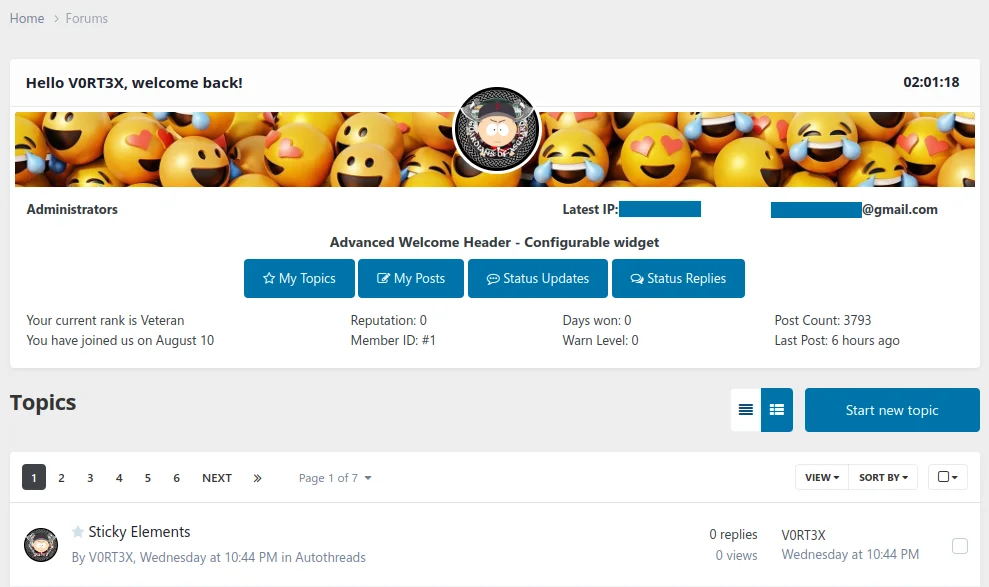
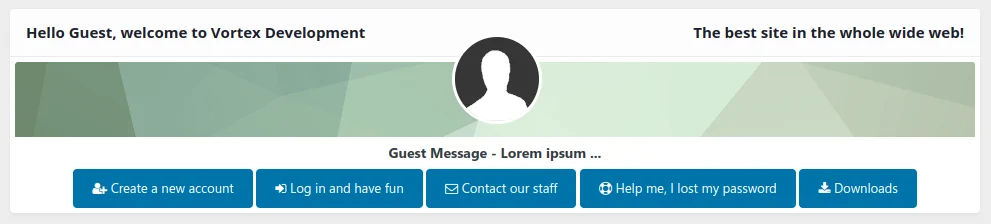
You like it old-school? Then this Welcome Header is for you!
It combines the charm of old boards with the modern look of Invision Community 4.x and great features for your members and guests.
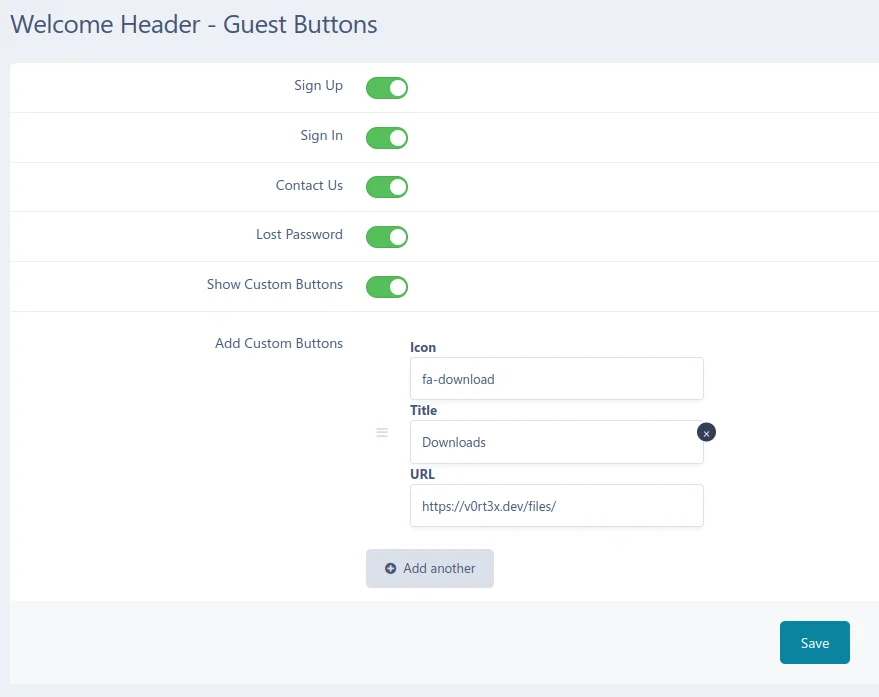
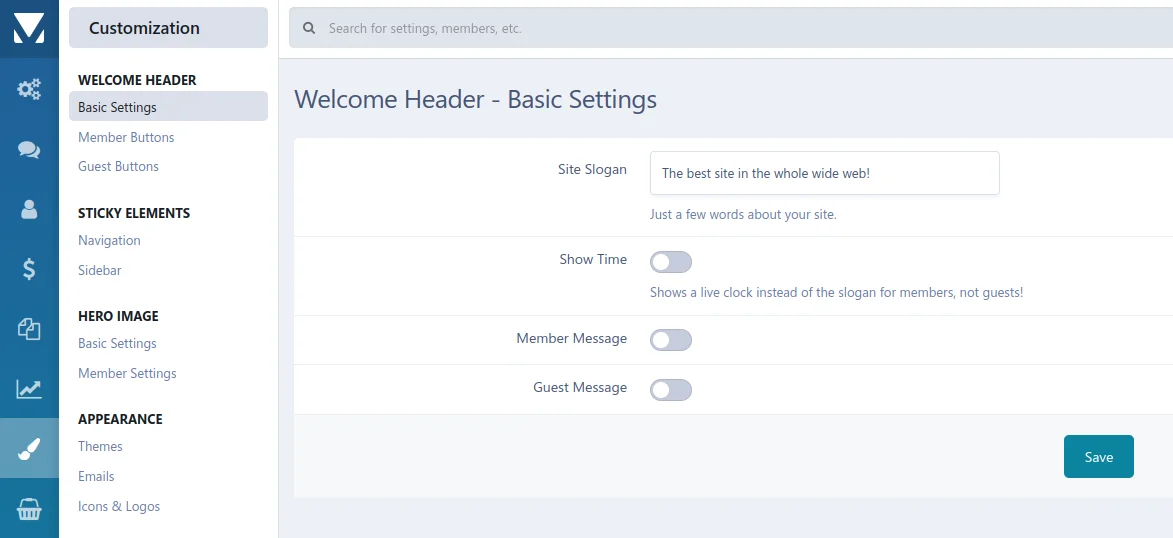
You can show different info texts and buttons to registered users and visitors. The most important buttons are already available and can be enabled and disabled individually. You can also create an unlimited number of your own buttons!
Of course, information about the account - such as the number of posts or the current rank - is also displayed.
This application is a widget that can be placed anywhere via the block manager. However, as the name suggests, it is designed for the header or the actual content area and not for the sidebar.
Of course, it comes without any branding or visible copyrights.
Ihr mögt es Old-School? Dann ist dieser Welcome Header genau das richtige für euch!
Er vereint den Charme alter Boards mit dem modernen Look von Invision Community 4.x und tollen Features für eure Mitglieder und Gäste.
So könnt ihr angemeldeten Benutzern und Besuchern verschiedene Infotexte und Buttons anzeigen. Die wichtigsten Buttons sind bereits von Haus aus vorhanden und können einzeln de- und aktiviert werden. Dazu habt ihr die Möglichkeit, unbegrenzt viele eigene Buttons zu erstellen!
Natürlich werden Informationen zum Account - wie die Anzahl der Beiträge oder der aktuelle Rang - ebenfalls angezeigt.
Es handelt sich bei dieser Applikation um ein Widget, das über den Block-Manager frei platziert werden kann. Allerdings ist es, wie der Name schon sagt für den Header bzw. den eigentlichen Contentbereich designed und nicht für die Sidebar.
Es kommt selbstverständlich ohne Brandings oder sichtbare Copyrights.
You may only provide a review once you have downloaded the file.
There are no reviews to display.