

SCREAMTIME.tv
Moderators
-
Joined
-
Last visited
Everything posted by SCREAMTIME.tv
-
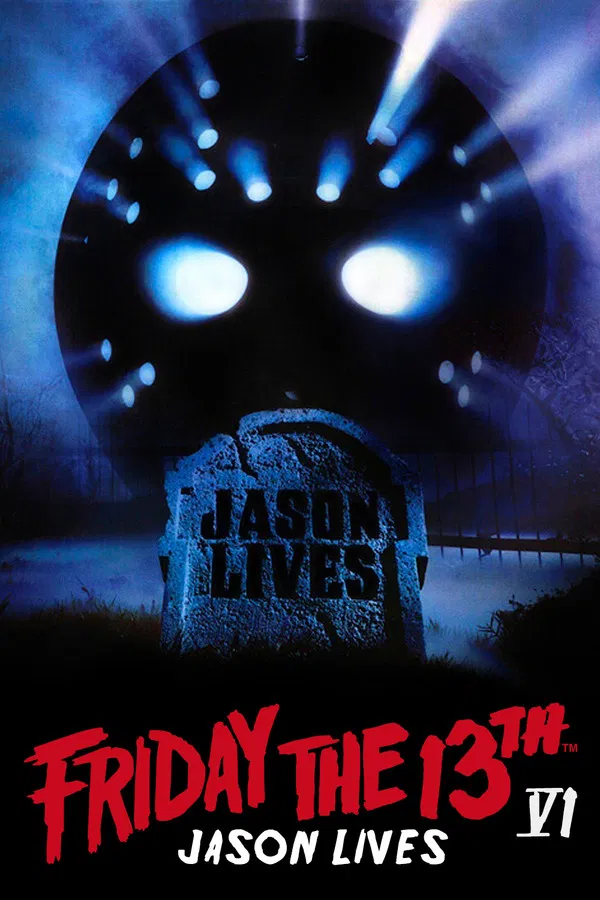 Kill or be killed.
 -
 If Jason still haunts you... You're not alone.
 -
 Three times before you have felt the terror, known the madness, lived the horror. But this is the one you've been screaming for.
 -
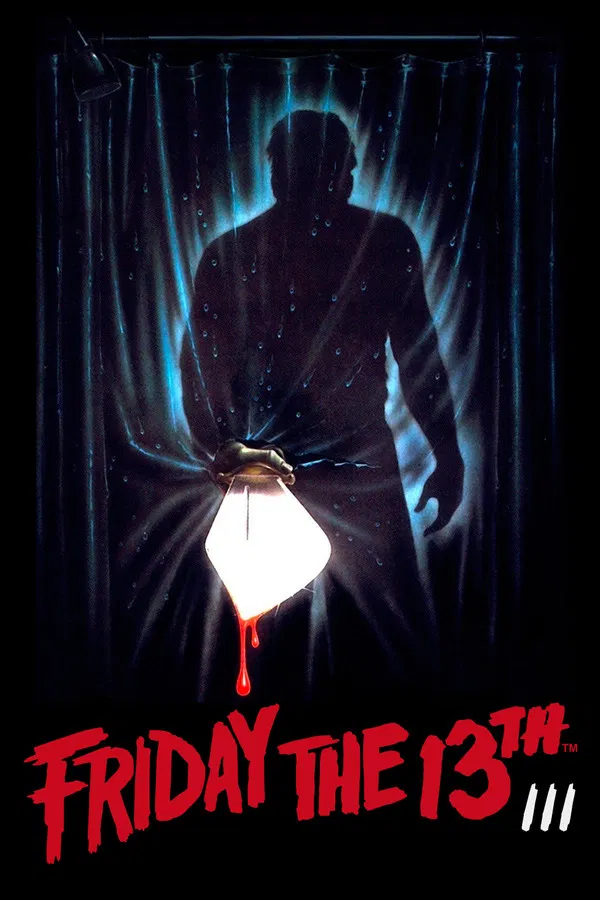 A New Dimension In Terror...
 -
-
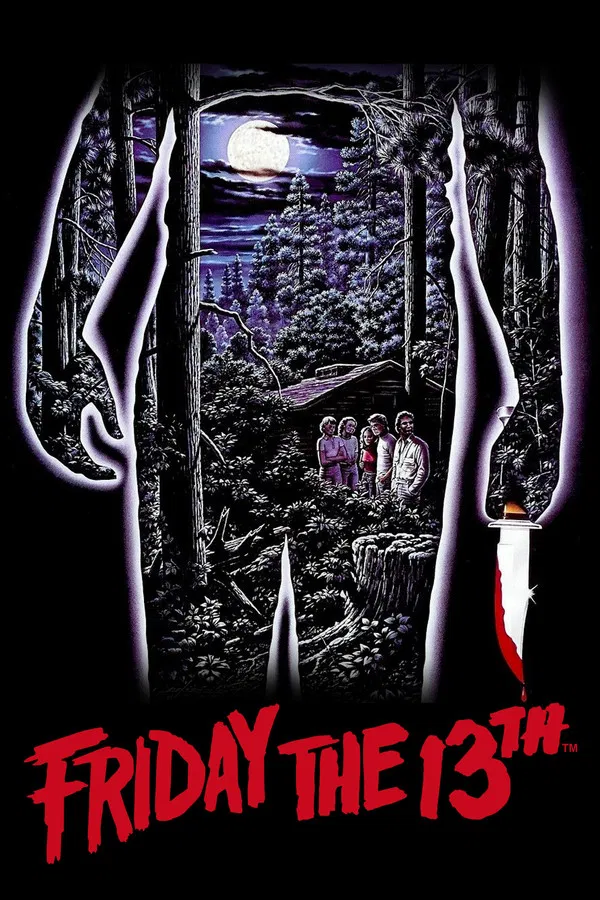 They were warned...They are doomed...And on Friday the 13th, nothing will save them.