
SCREAMTIME.tv
Webmasters
-
Joined
-
Last visited
Everything posted by SCREAMTIME.tv
-

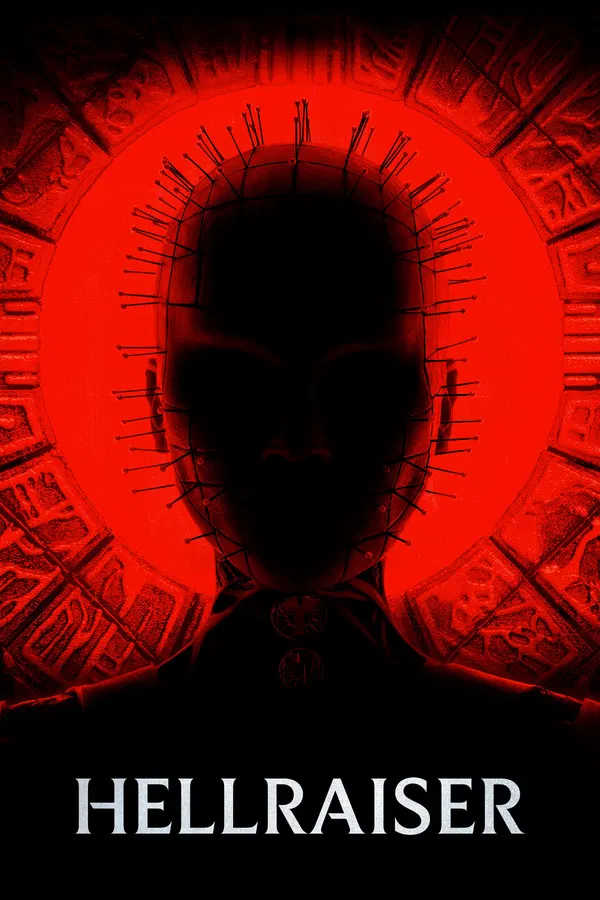
 The face of madness returns.
 -
 Witness the beginning of your end.
 -
-
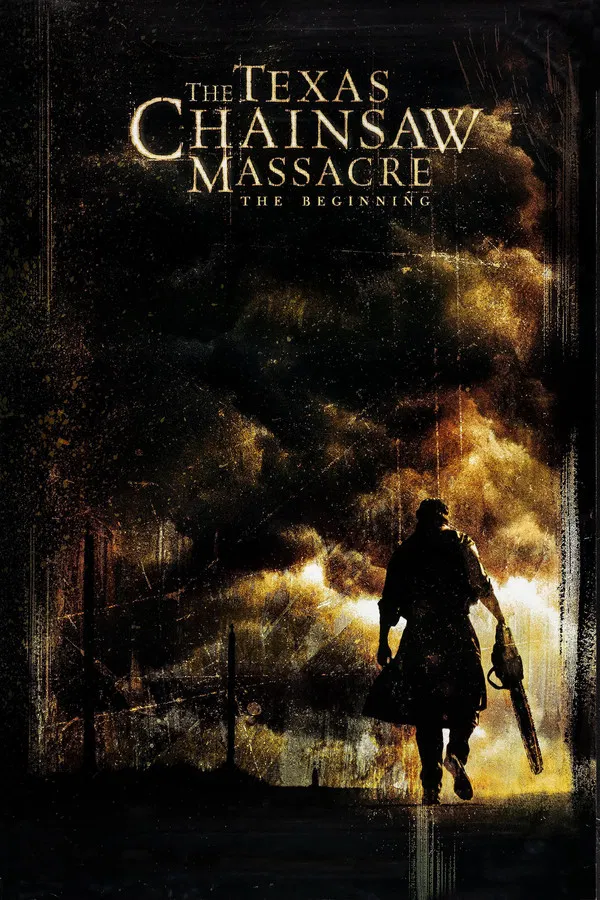 What you know about fear... doesn't even come close.
 -
 What you know about fear...doesn't even come close.
 -
 If looks could kill, he wouldn't need a chainsaw.
 -
 He puts the teeth in terror.
 -
 After a decade of silence... the buzzz is back.
 -
 Who will survive and what will be left of them?
 -
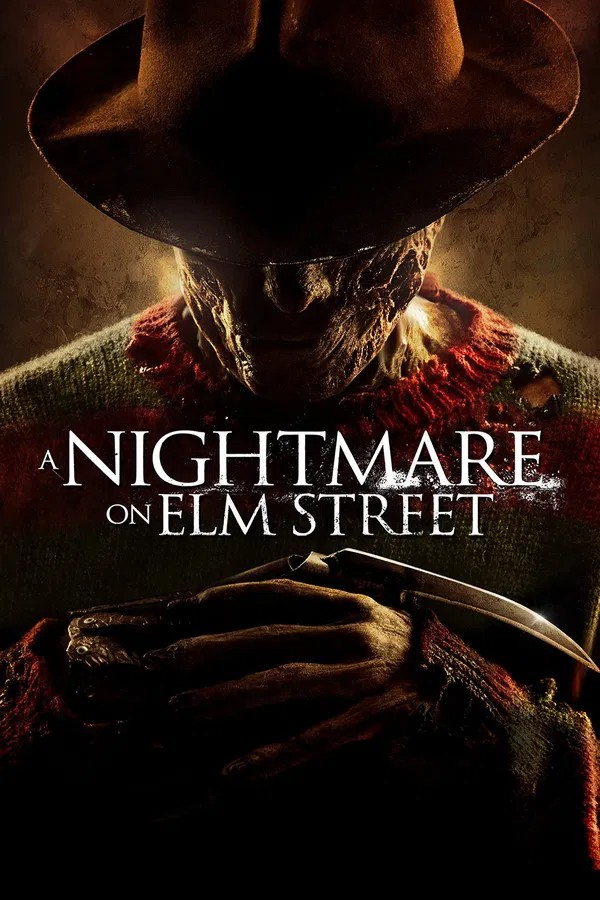 Welcome to your new nightmare.
 -
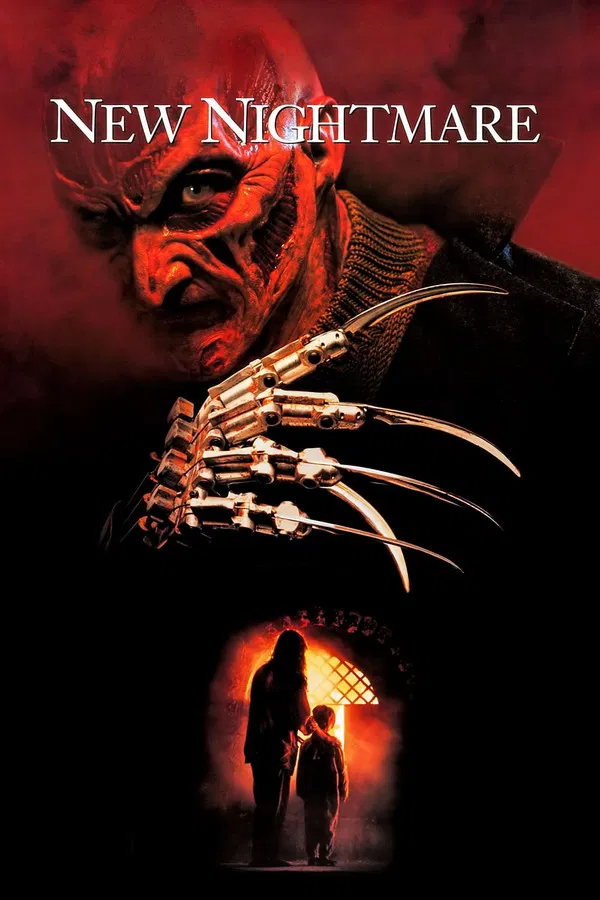 This time the terror doesn't stop at the screen.
 -
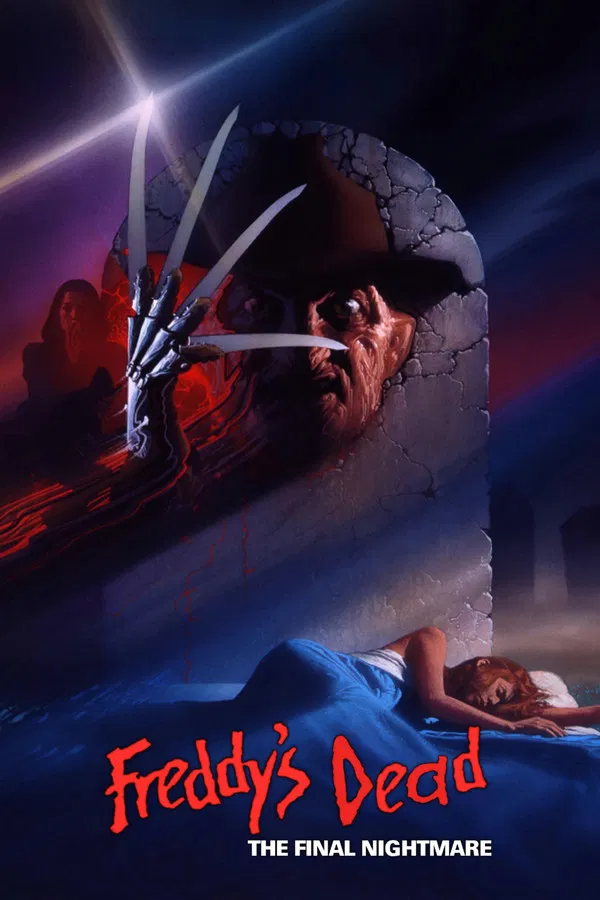 They saved the best for last.
 -
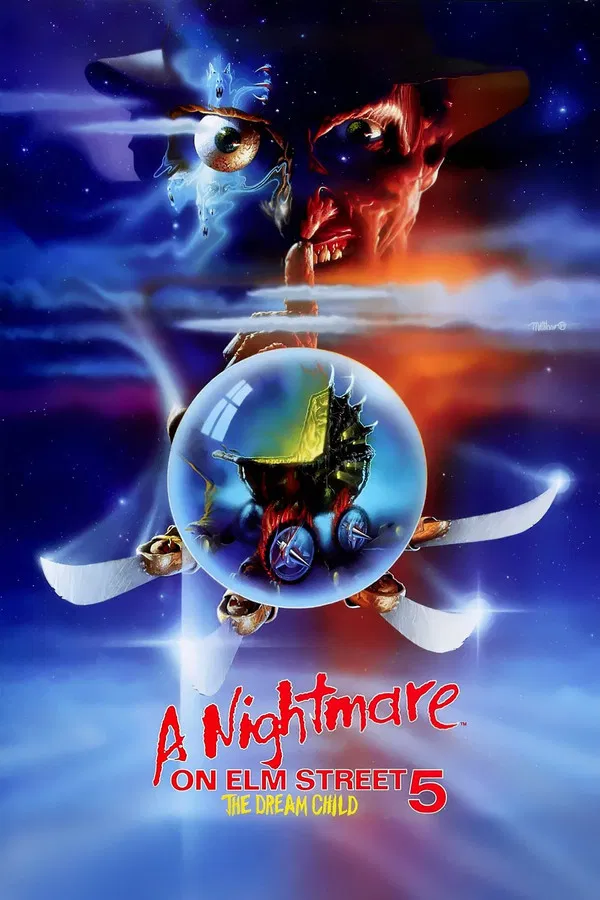 Freddy delivers.
 -
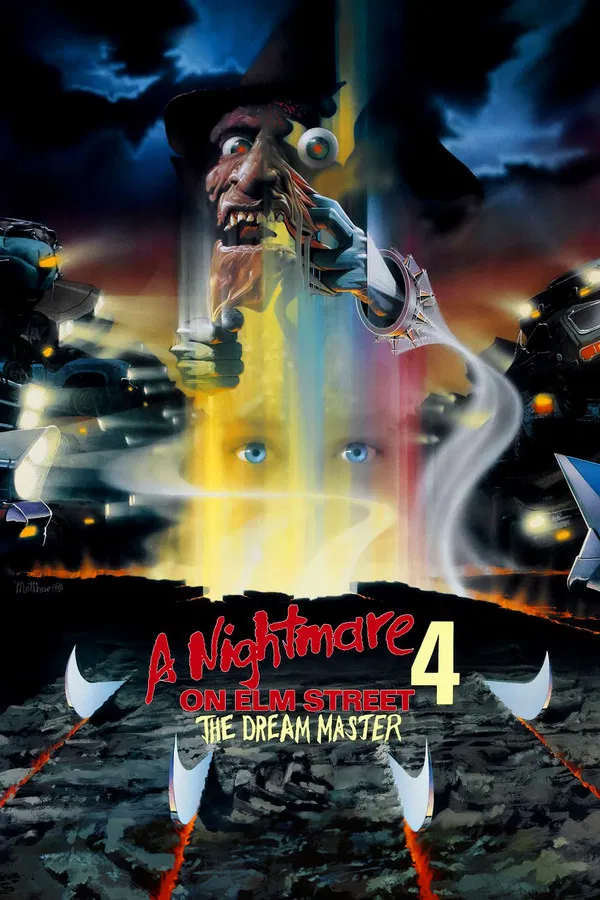 Terror beyond your wildest dreams.
 -
 If you think you'll get out alive, you must be dreaming.
 -
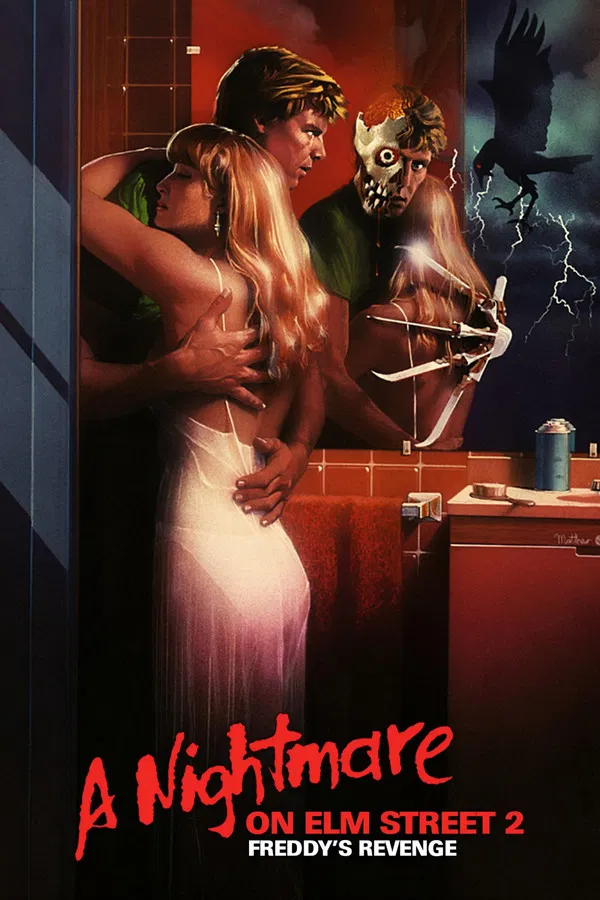 The man of your dreams is back.
 -
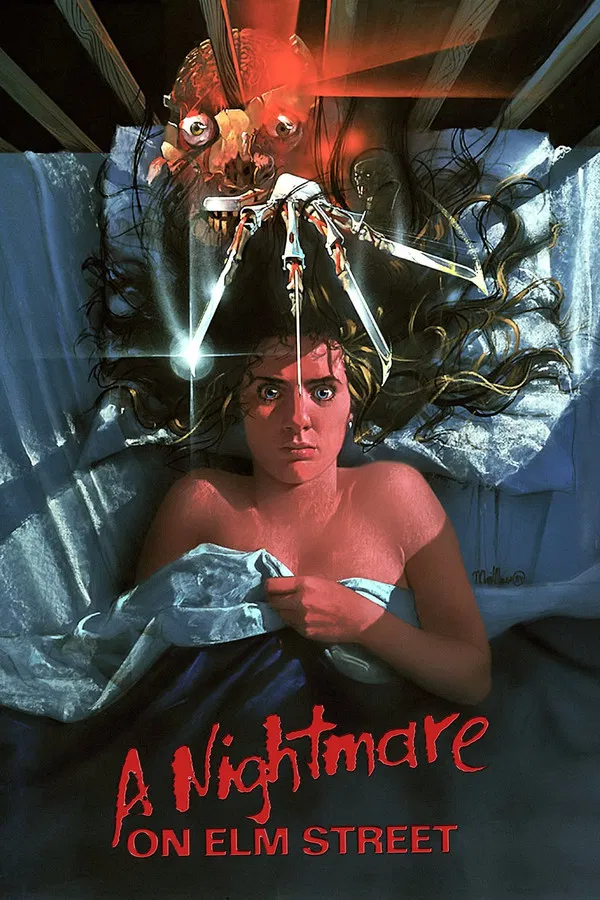 If Nancy doesn't wake up screaming, she won't wake up at all.
 -
-
-
-
-
-
-
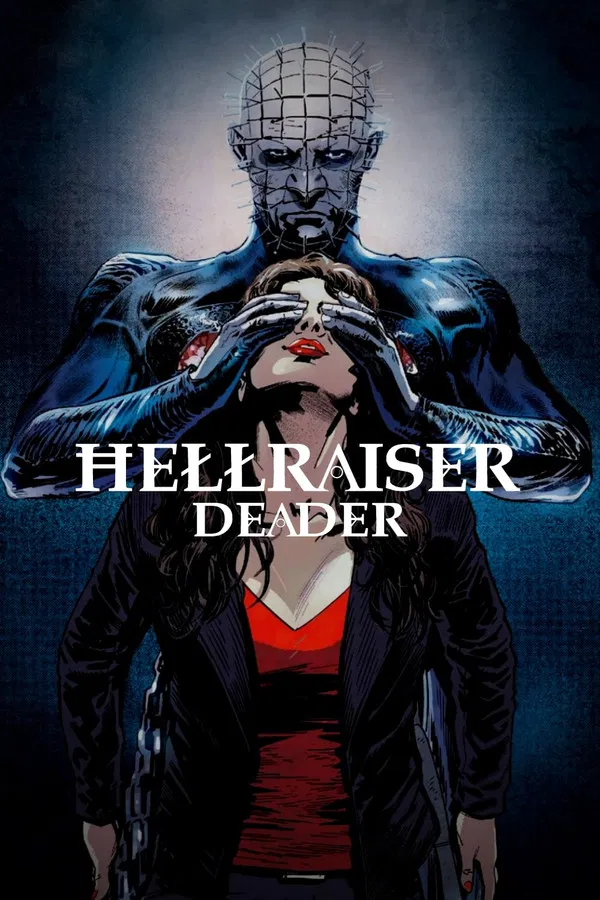
 The terrifying new chapter in the "Hellraiser" legacy!
 -
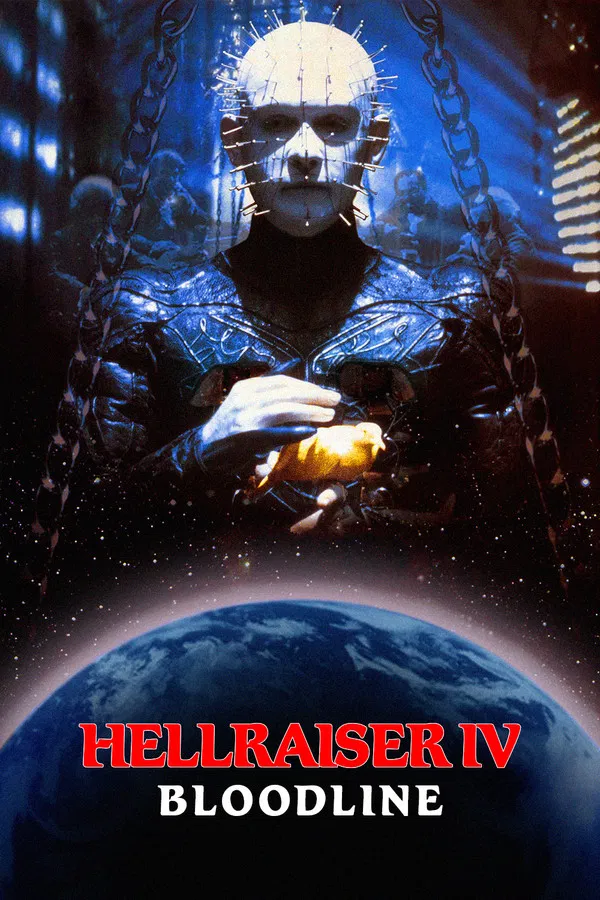 The past, the present and the future will all meet at the crossroads of hell!